

From pre-owned cameras and electronics to rare figures, vintage fashion and items that are no longer produced, Xianyu has become a popular place to search for products that are difficult to find elsewhere. Launched in 2014, the platform is part of Alibaba’s ecosystem and is mainly used for transactions between individual buyers and sellers.
Overseas users can often reach the site and view product pages without much difficulty. The real challenge usually begins after finding something worth buying. The platform is primarily in Chinese, some account functions may require verification, and most sellers expect local payment and delivery to an address within mainland China.
This article walks through the practical steps for using Xianyu from abroad, including opening the website, searching more effectively, dealing with common access issues and using a shopping agent to complete the purchase and ship the item internationally.
What Is the Official Xianyu Website?
The official desktop website for Xianyu is available through Goofish at goofish.com. Xianyu and Goofish refer to the same marketplace, so you may see both names while searching online.
The different names can confuse first-time visitors. Someone may search for “Xianyu website” and expect a domain containing Xianyu, only to find Goofish instead. Before entering account information or scanning a login code, check that you are using the official domain rather than an unrelated download page or copied website.
The official Xianyu app is also listed in some overseas app stores, including the US App Store and Google Play. However, availability and account functions can vary by country, device and account status.
Can You Access Xianyu Outside China?
In many cases, overseas users can open the Goofish website in a standard desktop or mobile browser. You do not necessarily need a Chinese computer or a mainland Chinese internet connection simply to visit the public site.
However, “accessing Xianyu” can mean several things:
- Opening the homepage
- Searching for a product
- Viewing a listing
- Logging in
- Messaging a seller
- Paying for an order
- Receiving the parcel overseas
The first few steps may work even when the later ones do not. A page loading successfully does not guarantee that your phone number will be accepted, that your account will pass verification or that the seller can deliver to your country.
It is therefore useful to separate browsing from buying. You can research products and save listing information first, then decide whether to complete the transaction yourself or submit it through a buying agent.
How to Browse Xianyu from Overseas
- Open the Official Goofish Website
Enter the Goofish address in your browser. When you reach it through a search engine, check the domain before continuing.
A desktop browser is convenient when you want to compare several listings, open multiple tabs or translate a large amount of text. The app may provide more account-based functions, but the website is often easier for product research.
- Translate the Page
Xianyu is mainly designed for Chinese users, so most menus, product descriptions and seller messages are written in Chinese.
Chrome, Edge and Safari may offer built-in translation. Right-click the page or select the translation icon in the address bar. Automatic translation may struggle with slang, abbreviations and collector terminology, but it can help you understand the main details.
Pay special attention to words describing condition and defects:
- 全新未拆: new and unopened
- 仅拆封: opened but unused
- 自用闲置: personally used item
- 成色如图: condition shown in the photos
- 有瑕疵: has defects
- 缺配件: missing accessories
- 不退不换: no returns or exchanges
- 包邮: domestic shipping included
- 到付: shipping paid on delivery
- 已出: already sold
Translation should be treated as a reading aid, not final proof of the product’s condition. Ask the seller to confirm anything that affects your decision.
- Search with Chinese Keywords
English searches may return limited or unrelated results. Chinese product names normally work better because sellers write titles for domestic buyers.
Translate the product name before searching. You can also find its Chinese wording on Taobao, Tmall, a brand page or the product packaging. For branded items, combine the brand with terms such as 相机 for camera, 手办 for figure, 球鞋 for sneakers or 绝版 for discontinued.
Try several keyword variations. Sellers may shorten model names, use nicknames or leave the brand out of the title.
- Compare Several Listings
A low price does not always mean a bargain. The listing could be for a deposit, one accessory, an incomplete set or a damaged product.
Before choosing an item, check:
- Whether the photos appear to show the actual product
- Whether scratches, stains or repairs are mentioned
- Which accessories are included
- Whether the price covers the complete set
- Whether domestic shipping is included
- Whether the product has already sold
- Whether returns are accepted
For expensive or collectible items, save screenshots of the photos and description. A second-hand listing can be edited, removed or purchased by another buyer at any time.
- Copy the Product Link
When you find a suitable item, copy the full listing URL. Save it with screenshots, the displayed price, the version you want and any questions for the seller.
This information is useful even when you cannot log in. It can also be sent to a shopping agent so that a local buyer can inspect the listing and contact the seller.
Do You Need a Xianyu Account?
You may be able to view some public listings without completing the full account setup. Messaging sellers, paying and managing orders normally require a logged-in account.
Registration can be harder outside China. Depending on the account and current security requirements, Xianyu may request a mobile number, verification code, QR-code login or additional identity checks.
Do not assume that every foreign phone number will work in the same way. Country support, device settings, account history and platform risk controls can all affect the result.
When your main goal is purchasing one item, opening and maintaining a personal account may not be necessary. You can browse the listing, save the link and ask an agent to purchase it locally.
Xianyu Website vs Xianyu App
The website is especially useful for:
- Translating pages in a browser
- Comparing listings in several tabs
- Copying product links
- Saving descriptions and photos
- Researching Chinese search terms
The app may be more suitable for mobile browsing, seller messages, notifications and links that redirect away from the browser.
Although the official app is available through some overseas app stores, downloading it does not guarantee that every account or transaction function will work in your region.
Avoid unofficial APK files unless you can verify their source. Modified or outdated files may create privacy and account-security risks.
Common Xianyu Access Problems
The Listing Does Not Load
Refresh the page, try another browser or open the link on a phone. The seller may also have deleted the listing or sold the item.
When the page keeps redirecting to the app, ask for screenshots or save the listing title so you can search for another copy.
The Website Requires QR-Code Login
Some account functions may require a mobile app to confirm a browser login. This is difficult when you do not already have a working account.
When your goal is only to buy the product, save the URL and submit it through an agent instead of repeatedly trying uncertain login workarounds.
The Verification Code Does Not Arrive
Check the country code, number format, mobile signal and spam filtering. Avoid requesting many codes within a short time because repeated attempts may trigger temporary restrictions.
Do not rely on temporary phone numbers from unknown sellers. Losing access to that number could also mean losing the account.
The Translation Is Unclear
Copy important sentences into another translation tool and compare the results. Product-condition terms deserve the most attention because words such as “unused,” “repaired” and “missing parts” can completely change the value of the item.
The Link Has Expired
Second-hand items are often unique. Once another buyer purchases the product, the original page may disappear.
Save screenshots when you first find the listing. When it sells, search again with the title, model number or image.
Why Most Xianyu Sellers Do Not Ship Internationally
Xianyu is mainly a domestic C2C marketplace. Many sellers are individuals clearing out personal belongings rather than stores experienced in exporting.
A typical seller expects to receive local payment and send the parcel through a Chinese courier. International delivery would add customs forms, shipping restrictions, overseas tracking, address formatting and possible delivery disputes.
The delivery fee shown on a listing therefore normally refers only to shipping inside China. Even when a seller communicates with an overseas buyer, they may still require a mainland Chinese address.
The usual route for an international buyer is:
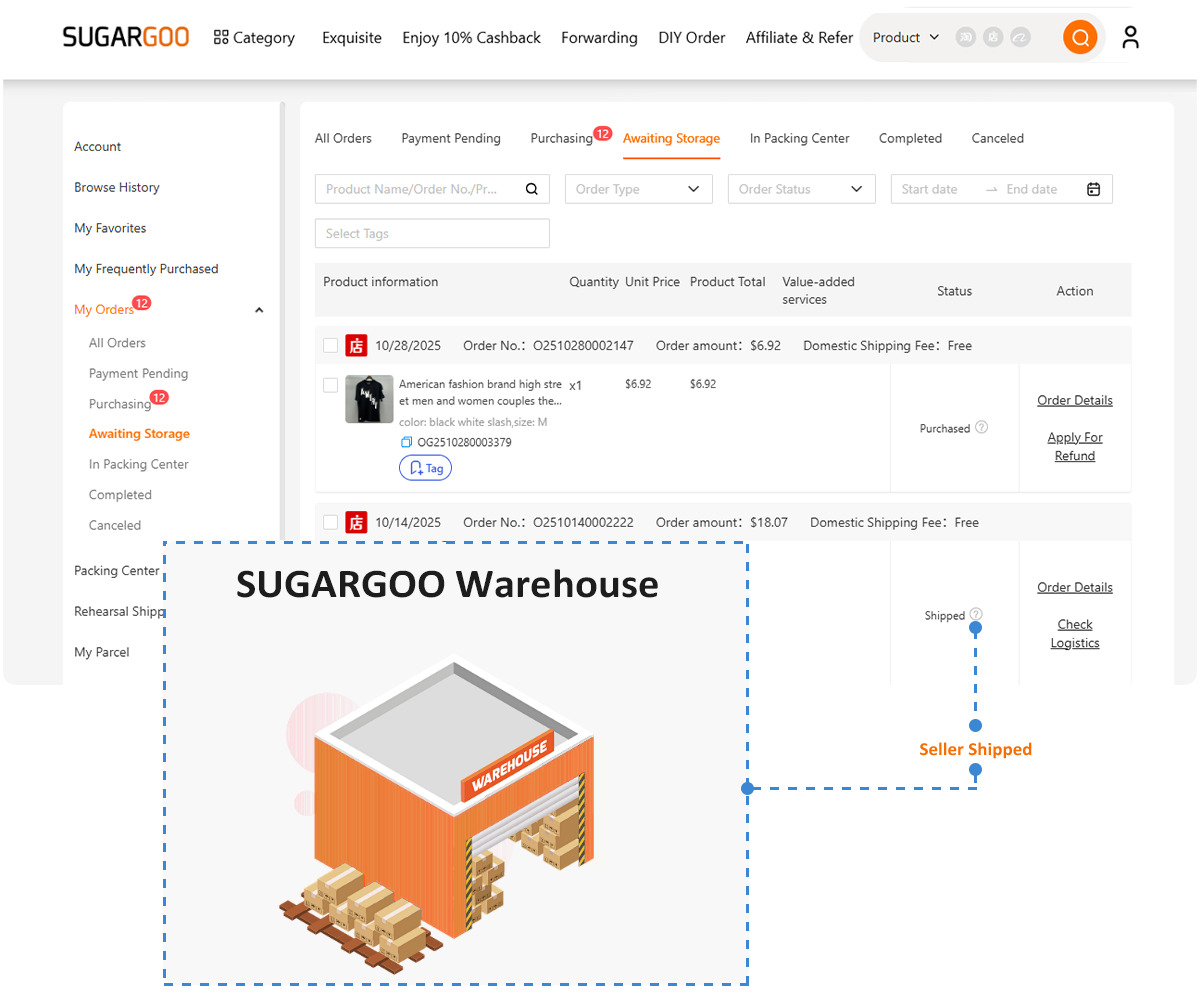
Xianyu seller → Chinese warehouse → international shipping line → overseas address
The product and domestic delivery are paid first. International shipping is calculated later, after the warehouse knows the packed weight and dimensions.
How to Buy from Xianyu Through Sugargoo
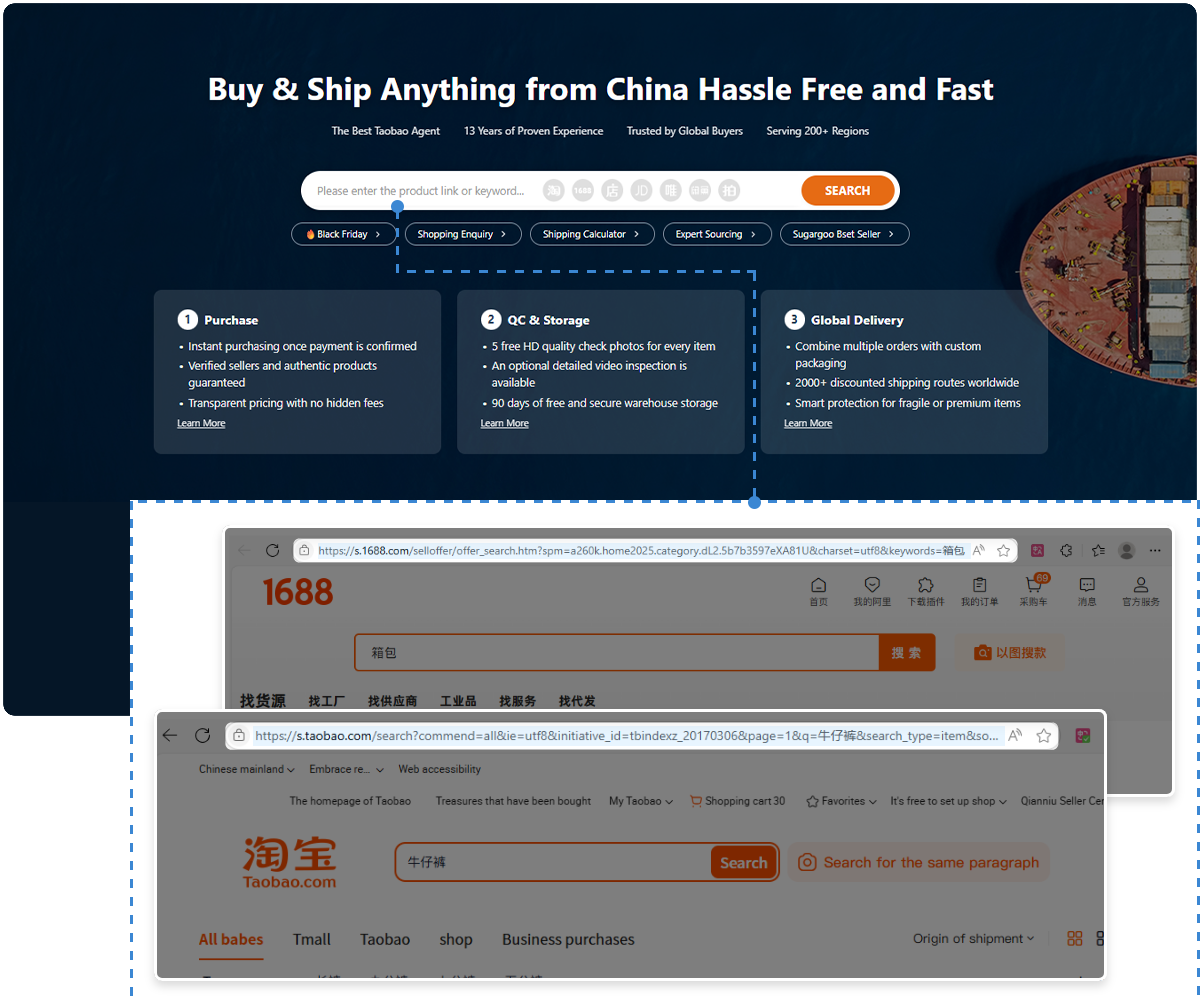
A shopping agent can handle the parts of the transaction that are difficult to complete overseas. Sugargooallows users to manually submit Xianyu products through its DIY Order feature.
Step 1: Save the Listing Details
Copy the Xianyu link and take screenshots of the title, price, selected model, product photos, description and any notes about defects.
Write down the quantity and the exact questions that should be answered before purchase.
Step 2: Submit a DIY Order
Open Sugargoo and use DIY Order to enter the product link and details. Add clear purchasing instructions.
Step 3: Let the Buyer Contact the Seller
A professional buyercan ask whether the item is still available and confirm its price, condition, included accessories, domestic shipping and transaction terms.
This matters on Xianyu because many products are used, unique or sold by individual users. Availability can change quickly, and the description may not answer every question.
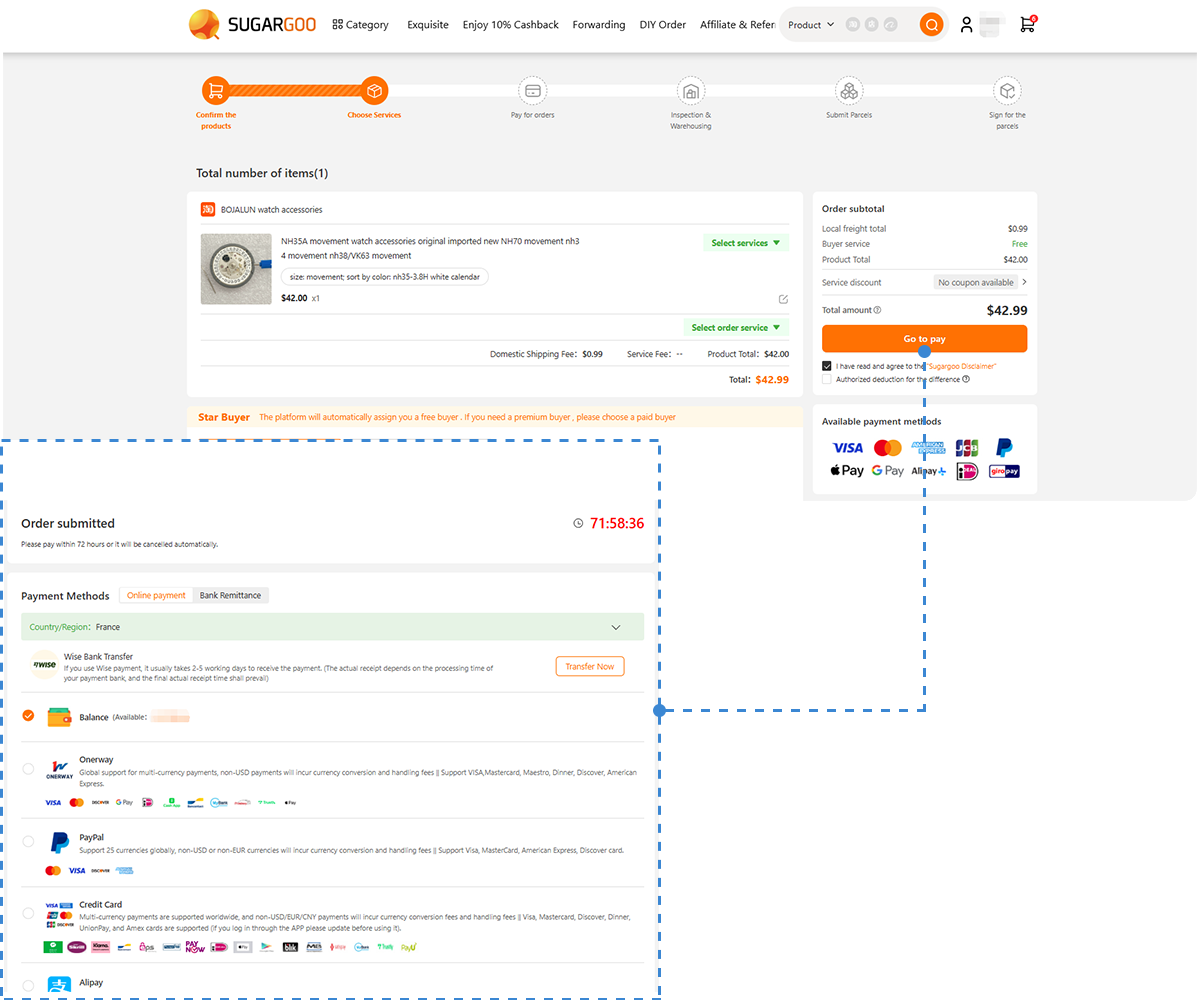
Step 4: Pay Through the Agent Platform
You pay through Sugargoo rather than trying to complete the local transaction yourself. After payment and confirmation, the buyer places the order and asks the seller to send the item to the Chinese warehouse.
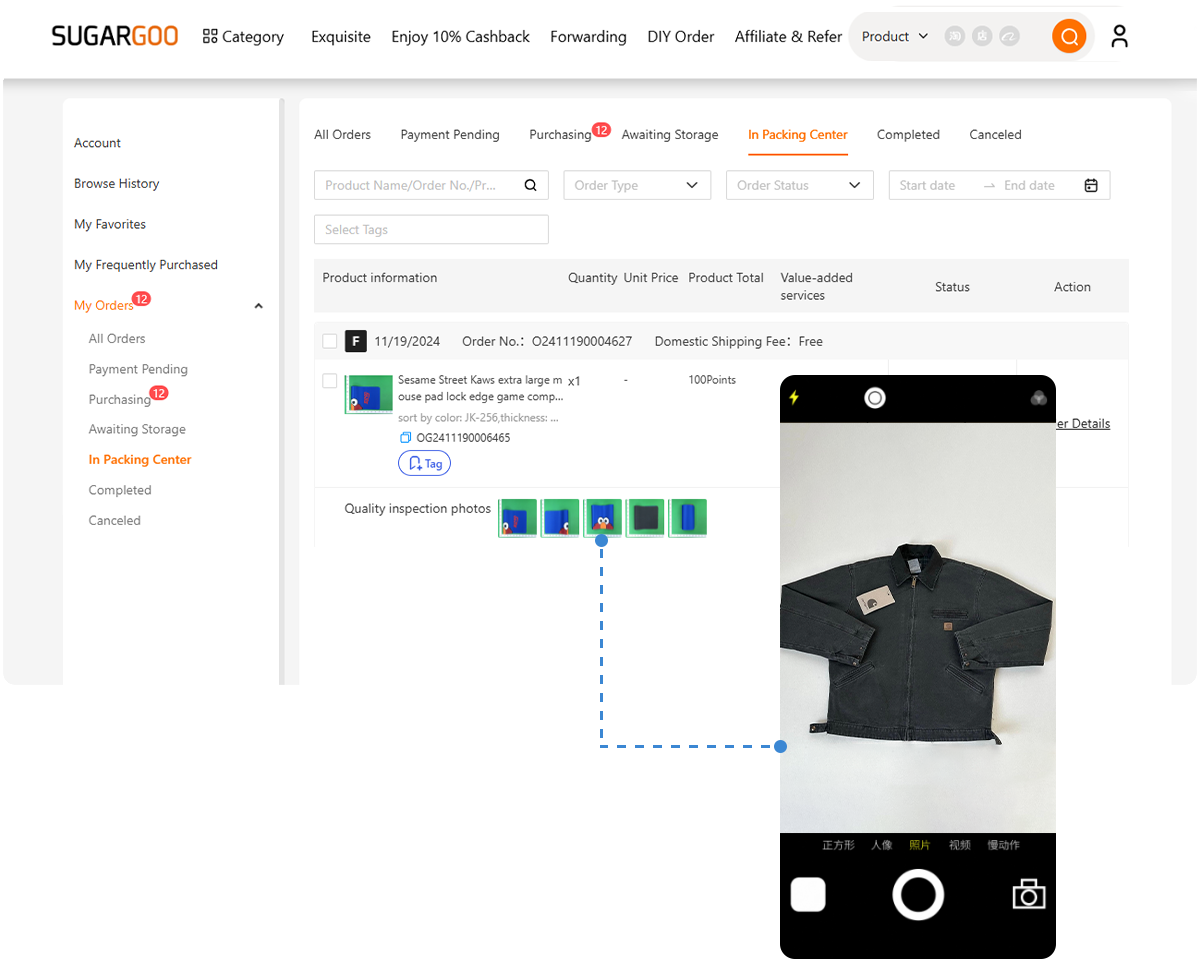
Step 5: Check the Warehouse Photos
When the item arrives, review the QC photos and compare them with the original listing. Look for the wrong model, color differences, obvious damage or missing pieces.
Remember that standard photos cannot prove that every function of a used electronic device works. Ask the seller about functionality before purchase and request extra checks where available.
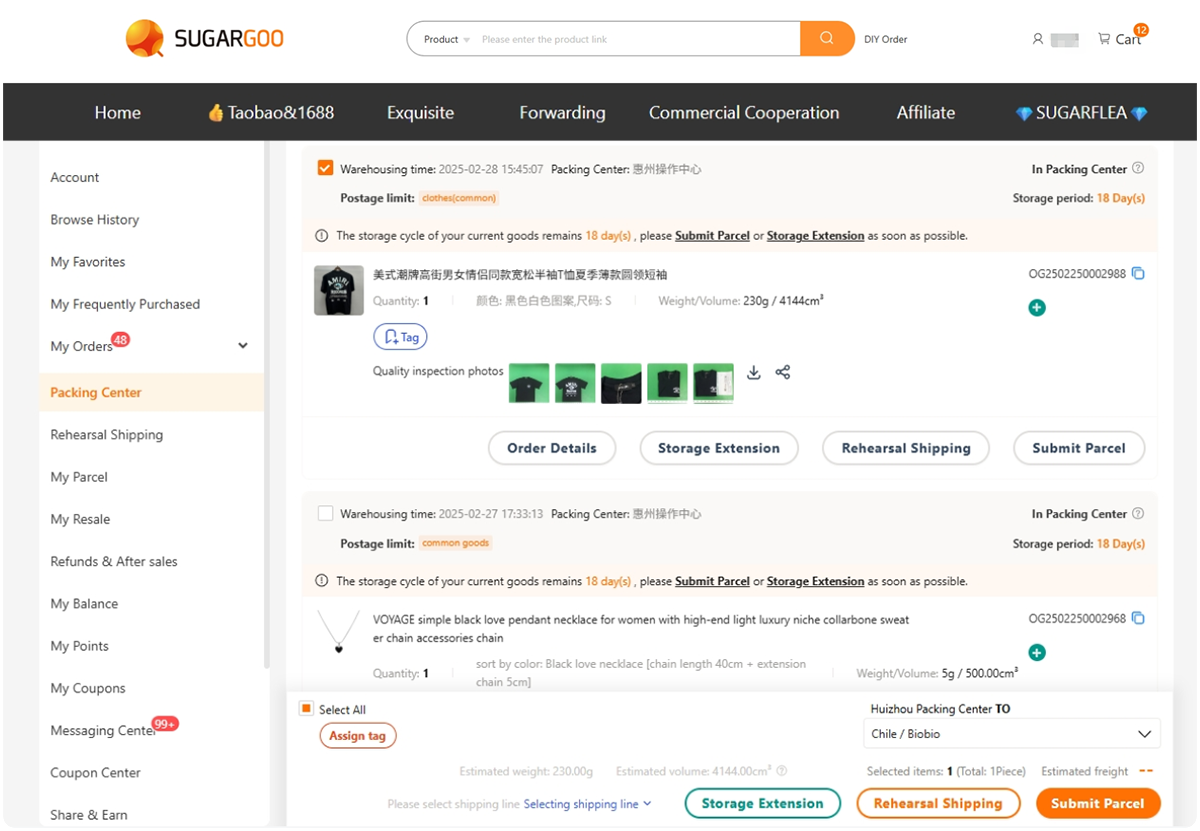
Step 6: Consolidate and Ship Overseas
You can store the item with other purchases and combine them into one parcel. This may be more efficient than sending several small packages separately.
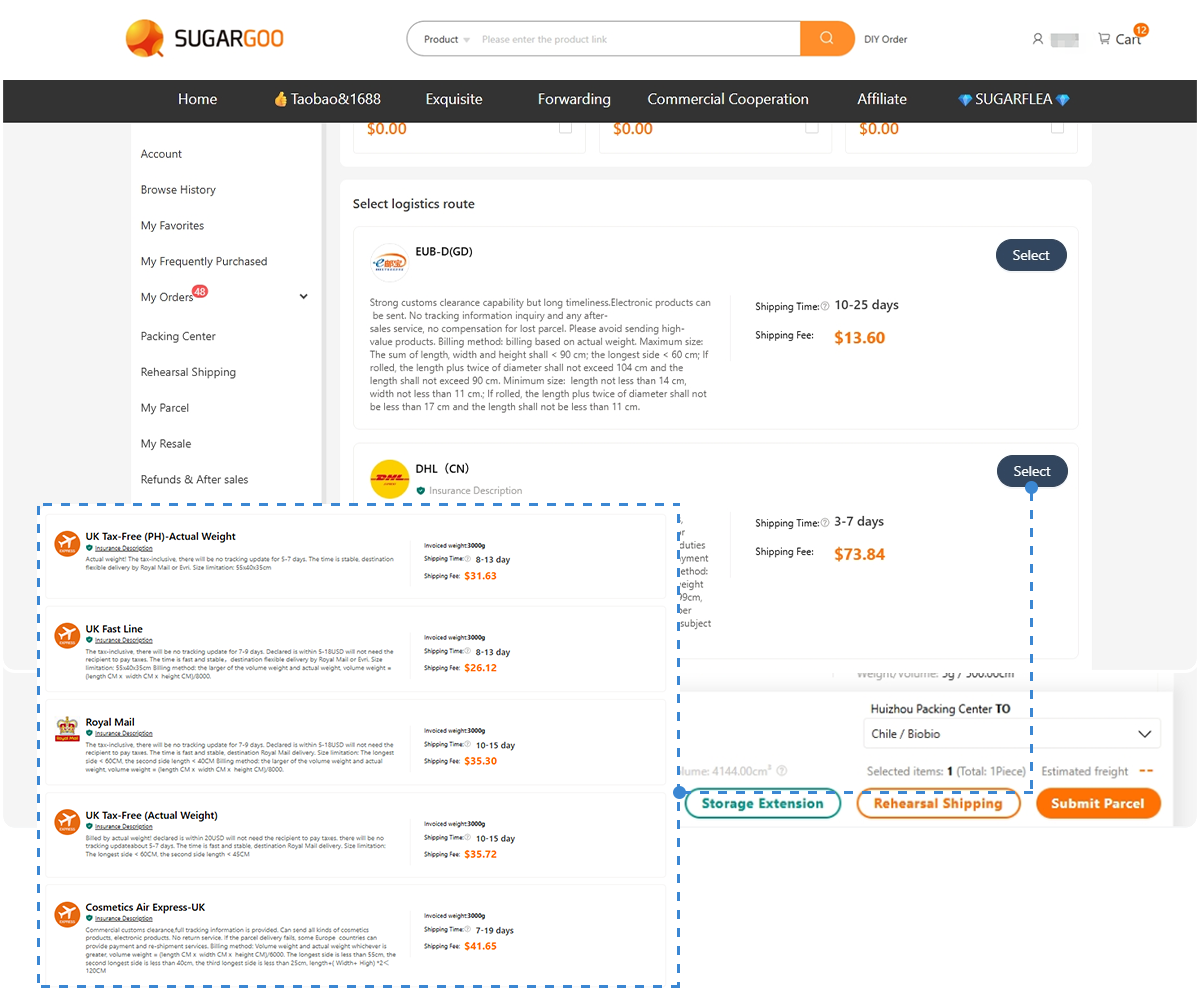
Select packaging and an international route suitable for the product. Batteries, liquids, magnets, electronics and some branded goods may face shipping restrictions.
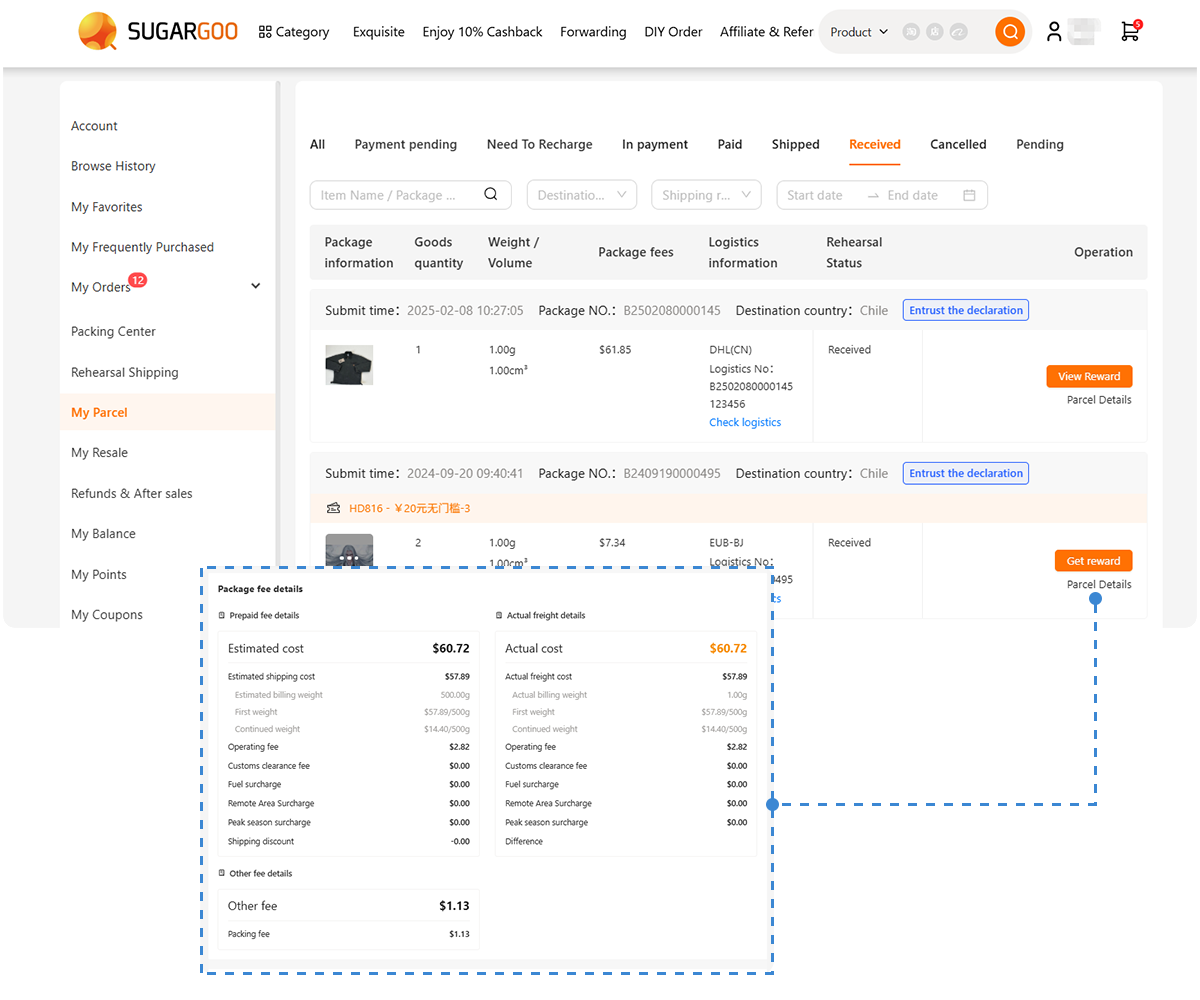
Final shipping cost depends on the destination, actual weight, volumetric weight, parcel size, packaging and route. It cannot be calculated from the Xianyu price alone.
Checks Before Buying a Used Item
A buying agent can simplify communication and shipping, but second-hand purchases still require care.
Before ordering:
- Confirm that the product is still available.
- Ask the seller to describe scratches, stains, repairs and other defects.
- Check whether boxes, cables, manuals and accessories are included.
- Verify the model, size, color and version.
- Ask whether an electronic product has been tested.
- Read the return or exchange terms.
- Check whether the product can use an international shipping line.
- Be cautious when the price is much lower than similar listings.
An unusually low price may refer to a deposit, accessory, incomplete set or damaged product. For high-value items, ask more questions before payment rather than trying to resolve a problem after the seller has shipped it.
Frequently Asked Questions
Is Goofish the Same as Xianyu?
Yes. Goofish is the domain used for Xianyu’s official desktop website, while Xianyu remains the widely recognized marketplace name.
Can I Browse Xianyu Without a Chinese Phone Number?
You may be able to open the website and view public listings. Login, messaging, payment and account management may require phone or security verification.
Is There an English Version of Xianyu?
Xianyu is primarily built for Chinese users and does not offer a fully localized English experience for every market. Browser translation, screenshot translation and Chinese keywords can make it easier to use.
Can Xianyu Ship to the US, UK, Canada or Europe?
Most sellers only ship within mainland China. International buyers commonly send products to a Chinese warehouse before arranging overseas delivery.
Can I Pay a Xianyu Seller with PayPal?
Xianyu transactions are based on domestic payment processes rather than direct PayPal payments to individual sellers. An agent can accept supported international payment methods on its own platform and complete the local purchase.
What If the Xianyu Link Is Not Recognized Automatically?
Use Sugargoo’s DIY Order and manually provide the URL, screenshots, price, quantity, selected version and purchase instructions. DIY Order is intended for products whose information needs to be submitted manually, including items from Xianyu.
Can an Agent Guarantee That a Used Product Works?
No. An agent can contact the seller, purchase the item, receive it and provide inspection information, but hidden defects may not appear in standard photos. Ask detailed questions before purchase.
Final Thoughts
Accessing the Xianyu website outside China is normally only the first step. The official Goofish site can help you find products, compare listings and save links, while browser translation and Chinese keywords make research easier.
The bigger difficulty comes after you find the item. Account verification, seller communication, domestic payment and the lack of direct international shipping may prevent an overseas buyer from completing the order independently.
A practical solution is to use Xianyu to find the product and a buying agent to complete the transaction. Copy the listing link, save the important screenshots and submit the information through Sugargoo‘s DIY Order. The buyer can communicate with the seller, arrange delivery to a Chinese warehouse and help prepare the item for international shipping.
This does not remove every risk of buying second-hand goods, but it creates a clearer route from a Xianyu listing in China to your address overseas.