

If you’ve ever clicked on a Taobao product link from Reddit, TikTok, or Discord, you probably had the same reaction I did the first time:
Everything is in Chinese.
The title? Chinese.
Product options? Chinese.
Reviews? Also Chinese.
At that point, I remember just staring at the screen thinking:
“Am I about to buy the right item… or something completely random?”
And honestly, that’s where most people quit.
But here’s the thing I learned after a few months of trial and error:
👉 You don’t actually need to understand Chinese to shop on Taobao
👉 You just need the right way to “convert” Taobao links into something readable
In this guide, I’ll show you exactly how to convert Taobao links to English — what works, what doesn’t, and which method is actually worth using if you don’t want to waste money.
What Does “Convert Taobao Links to English” Actually Mean?
Before getting into the different methods, there’s one thing that confuses a lot of people at the start.
Taobao doesn’t have an English version of its website, but its app offers an English interface in certain countries and regions.
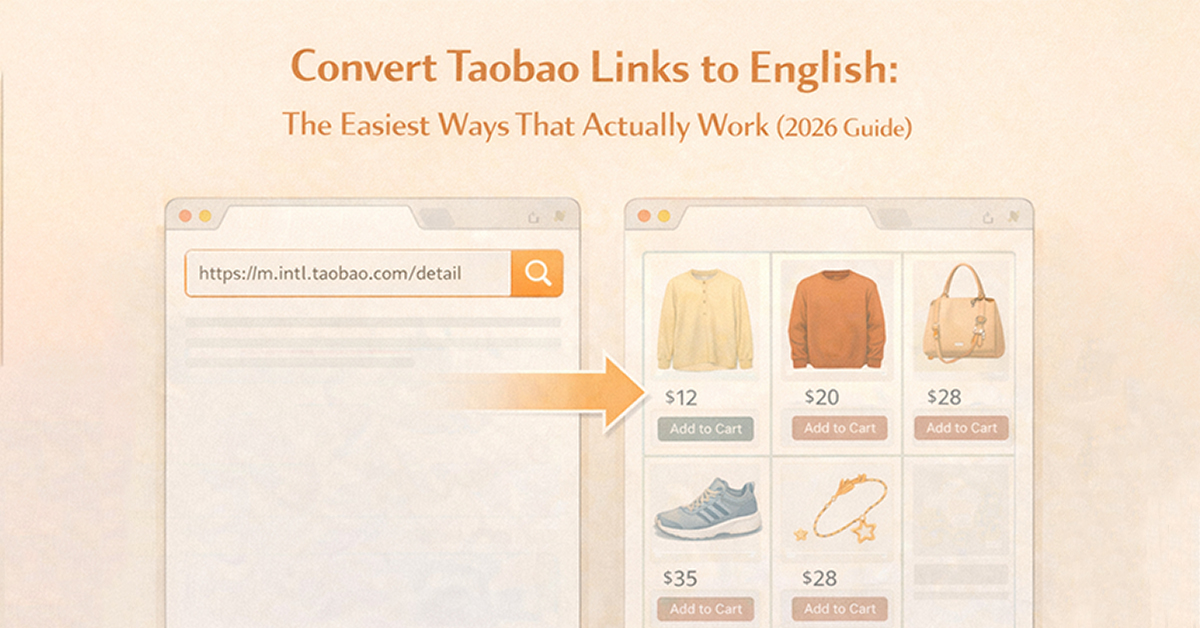
So when people talk about “converting Taobao links to English,” what they really mean isn’t changing the link itself — it’s changing how the page is presented to you.
In most cases, this is done in a few different ways:
- Letting your browser translate the page automatically
- Running the link through a converter tool
- Or using a shopping agent that shows a more English-friendly version of the product
They might sound similar, but in practice they work quite differently — and that difference can affect how well you actually understand what you’re buying.
Method 1: Use Google Chrome to Translate Taobao Pages
This is what most people try first — including me.
You open a Taobao link in Chrome, right-click, and hit “Translate to English.”
Done… right?
Well, kind of.
What works well:
- Instant translation
- Completely free
- No setup needed
What doesn’t:
- Translations are often inaccurate
- Product options (size/color) can be confusing
- Important details get mistranslated
I once ordered what I thought was a “heavyweight hoodie.”
When it arrived, it was basically a thin long-sleeve shirt.
Why?
Because the original Chinese description meant “lightweight breathable fabric” — and the translation completely flipped the meaning.
That’s the problem with relying only on browser translation.
👉 It helps you read — but not always understand.
Method 2: Use a Taobao Link Converter (Better, But Limited)
If you’ve searched for solutions, you’ve probably come across Taobao link converters.
These tools take a Taobao link and turn it into a more structured page — sometimes with partial English, cleaner layout, or extracted product info.
Why link converters are useful:
- Cleaner product structure
- Easier to copy/share links
- Sometimes partial translation
Where they fall short:
- Still not fully English
- Product details can be incomplete
- You still need to interpret things manually
Also, if you’ve ever had issues where links don’t open or break, check this:
👉 taobao link converter not working
And if your link itself is messy or incorrect, this helps:
👉 how to copy taobao links properly
So yes — converters are helpful.
But they don’t fully solve the core problem:
👉 “I still don’t fully understand what I’m buying.”
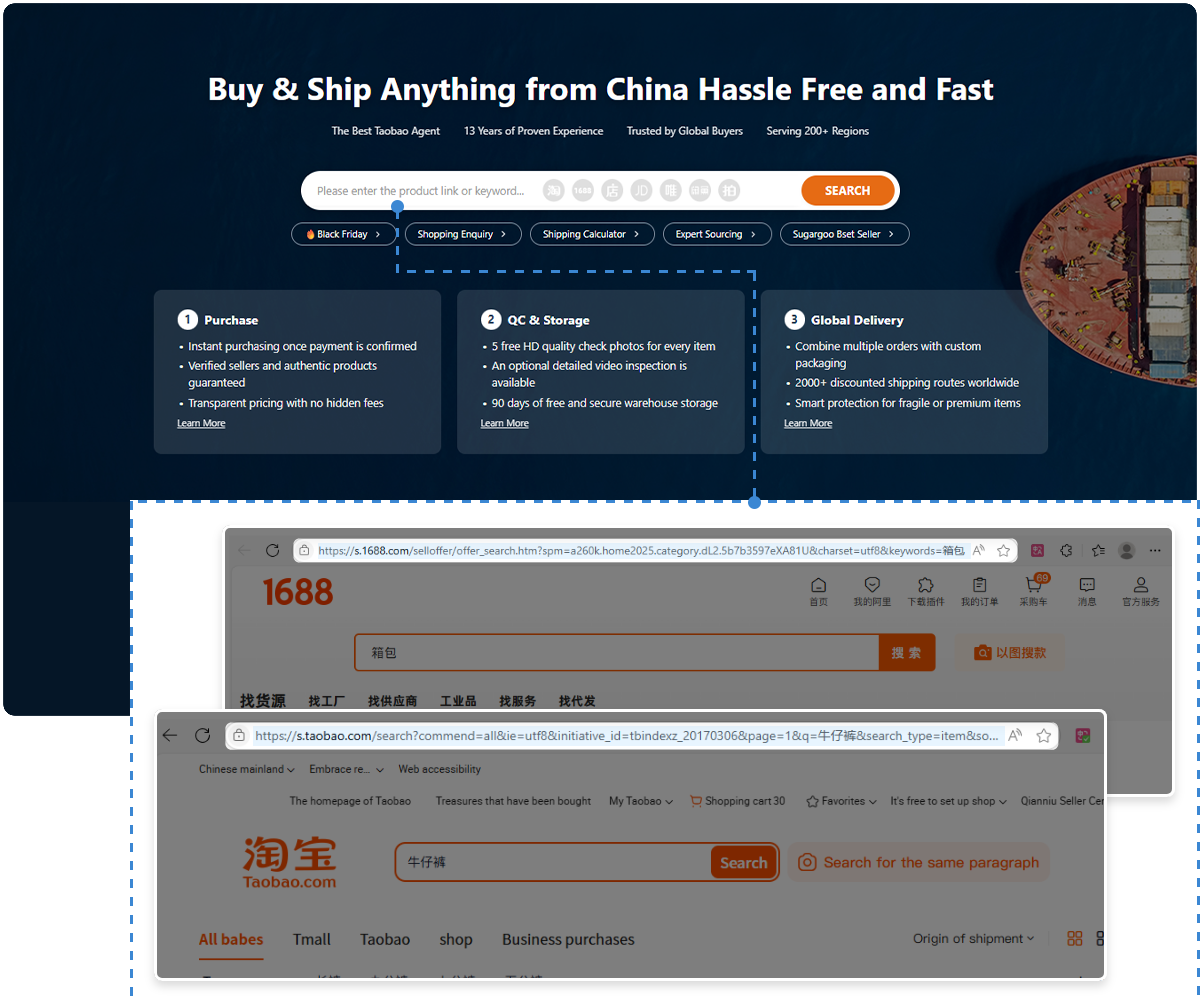
Method 3 (Best Option): Convert Taobao Links Using Sugargoo
This is where things finally started making sense for me.
Instead of trying to translate everything manually, I started pasting Taobao links into Sugargoo.
And the difference was immediate.
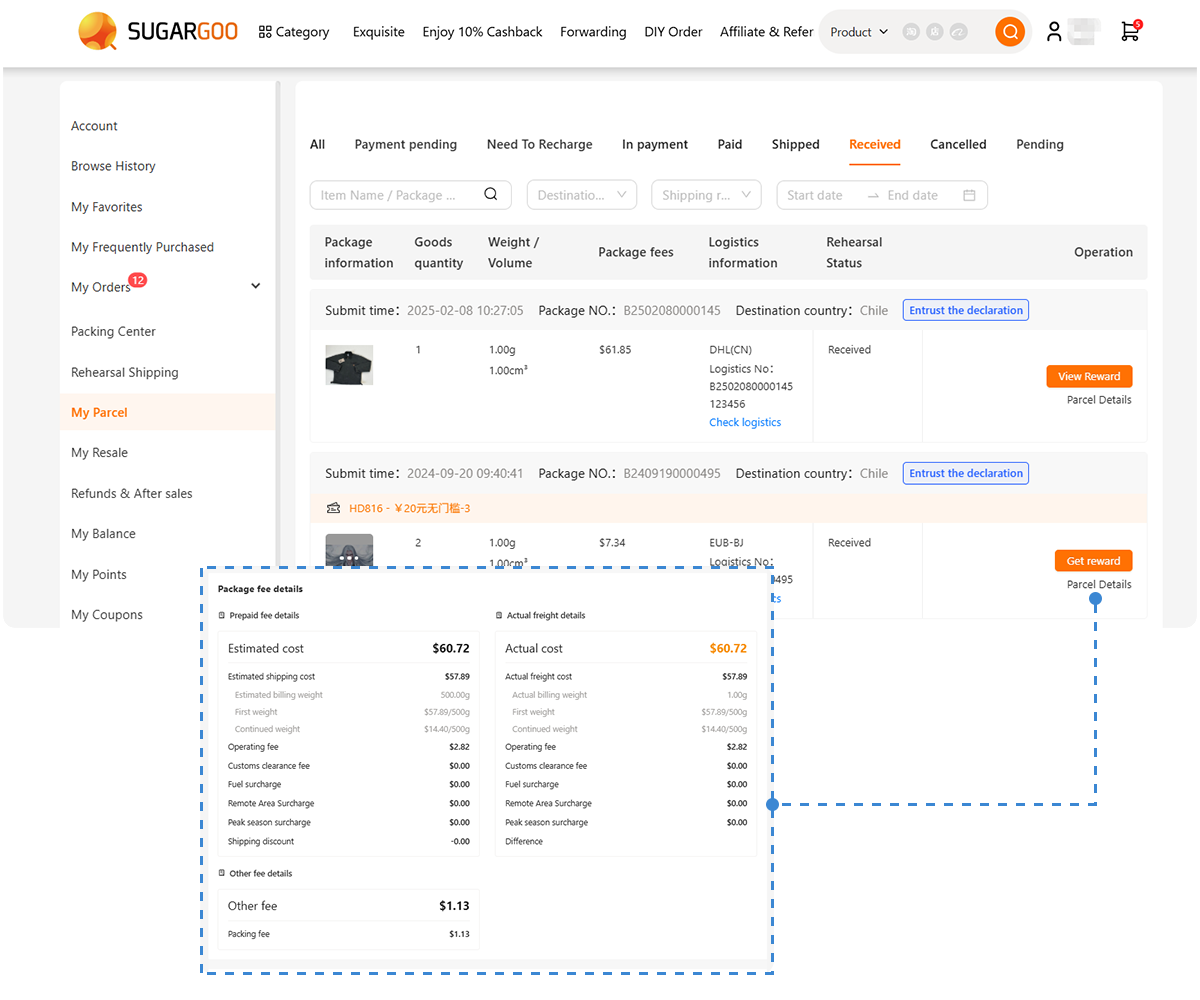
What happens when you use Sugargoo:
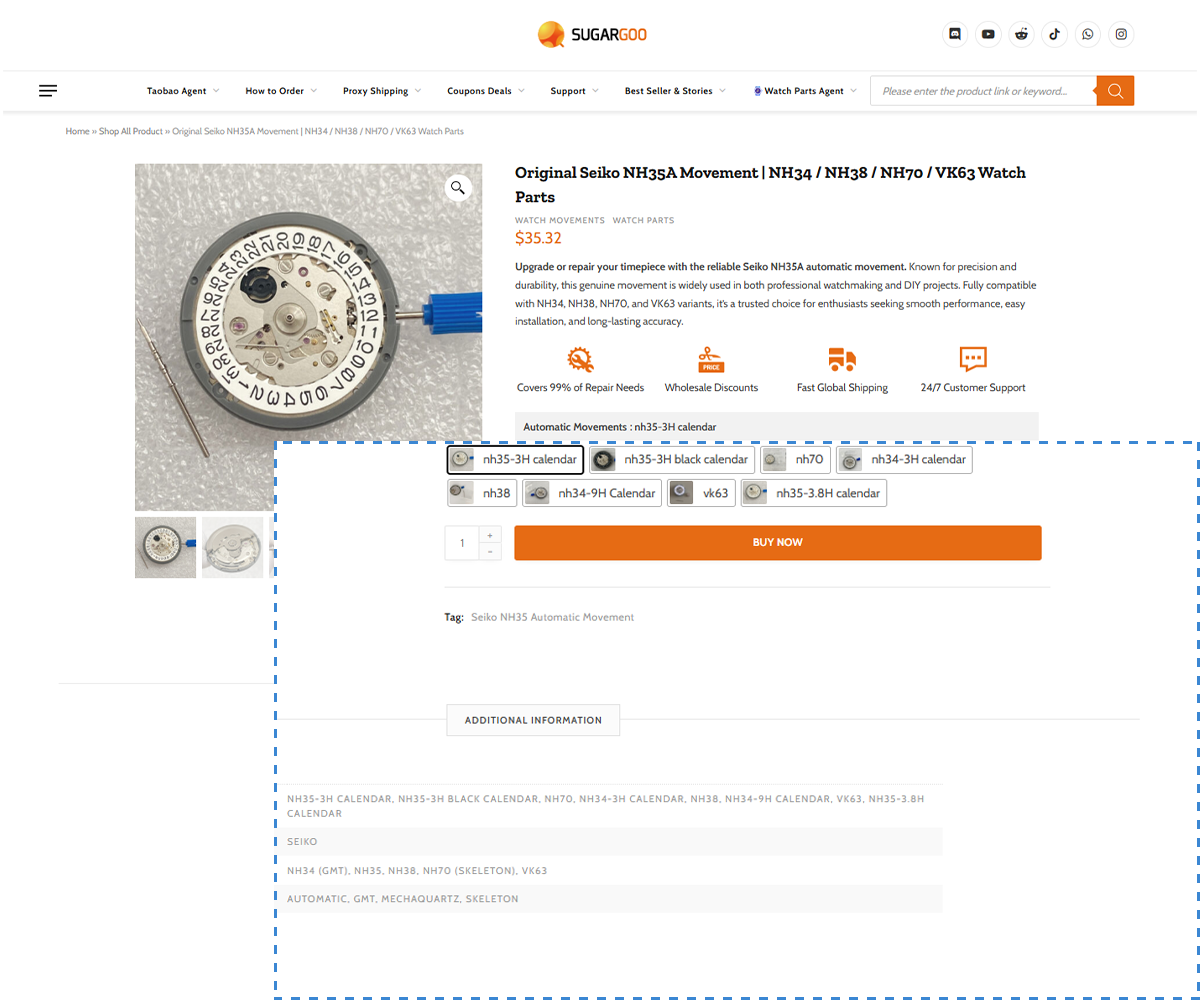
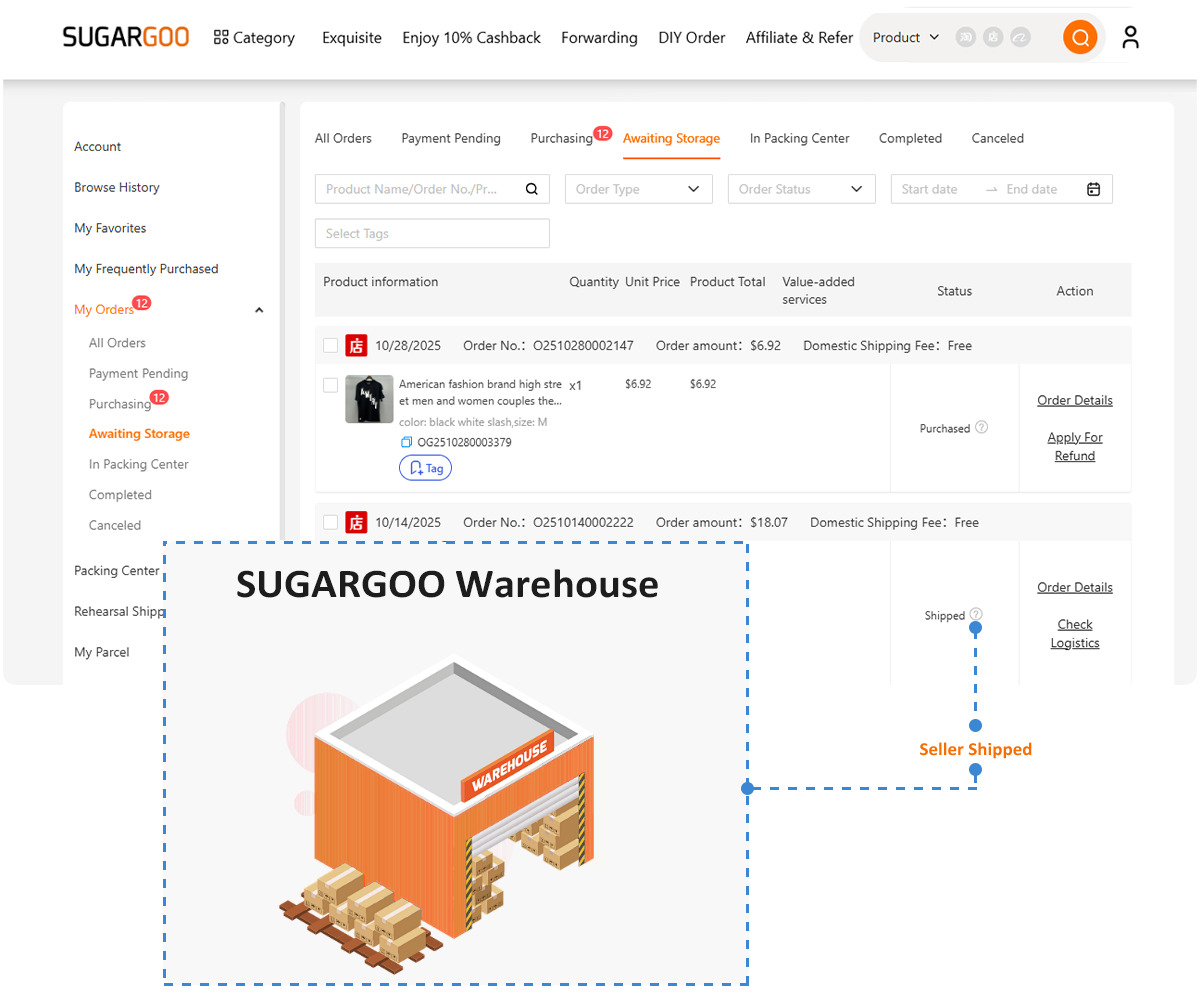
- The product page becomes much more readable
- Key information is translated automatically
- Options are clearer (size, color, variants)
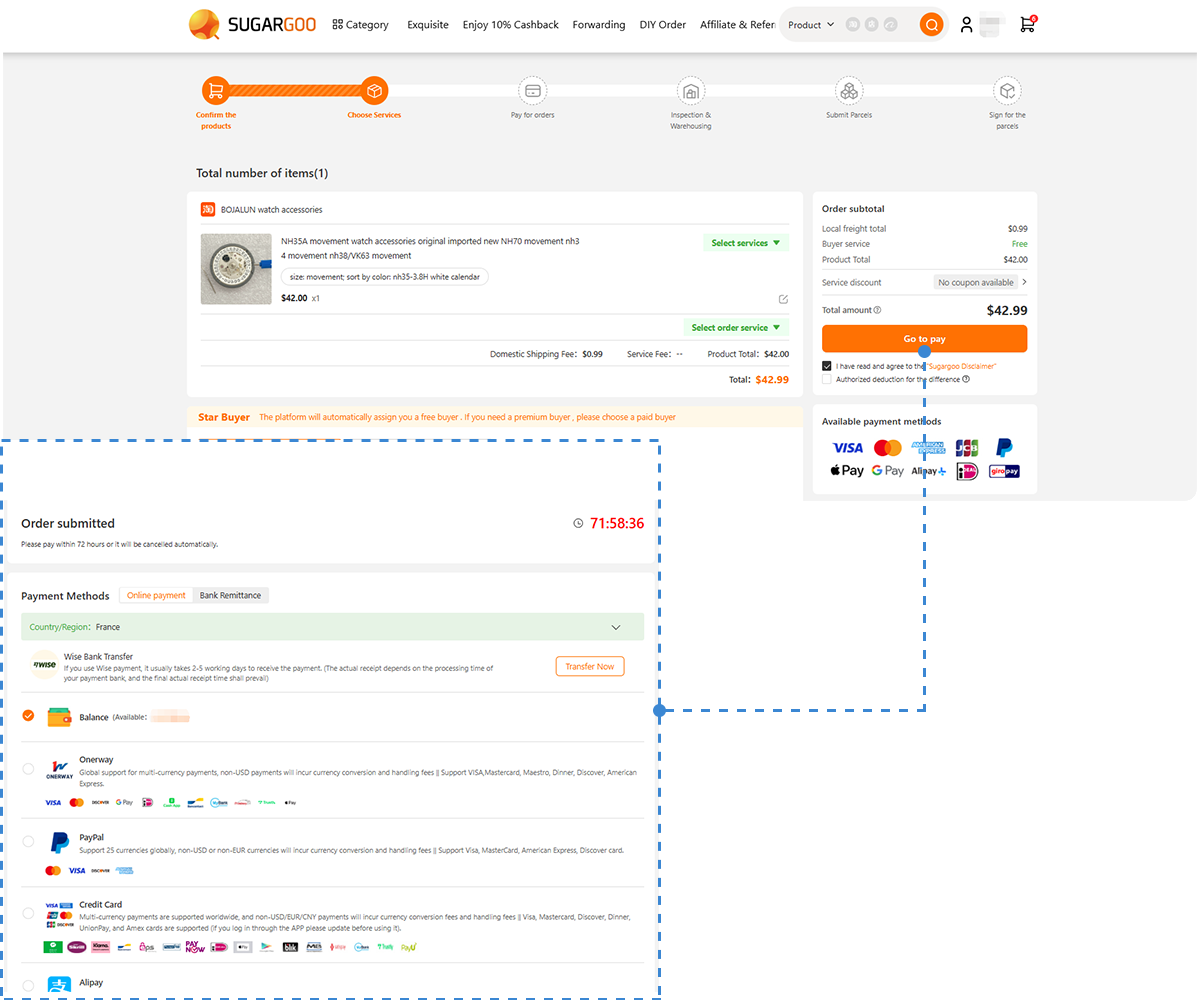
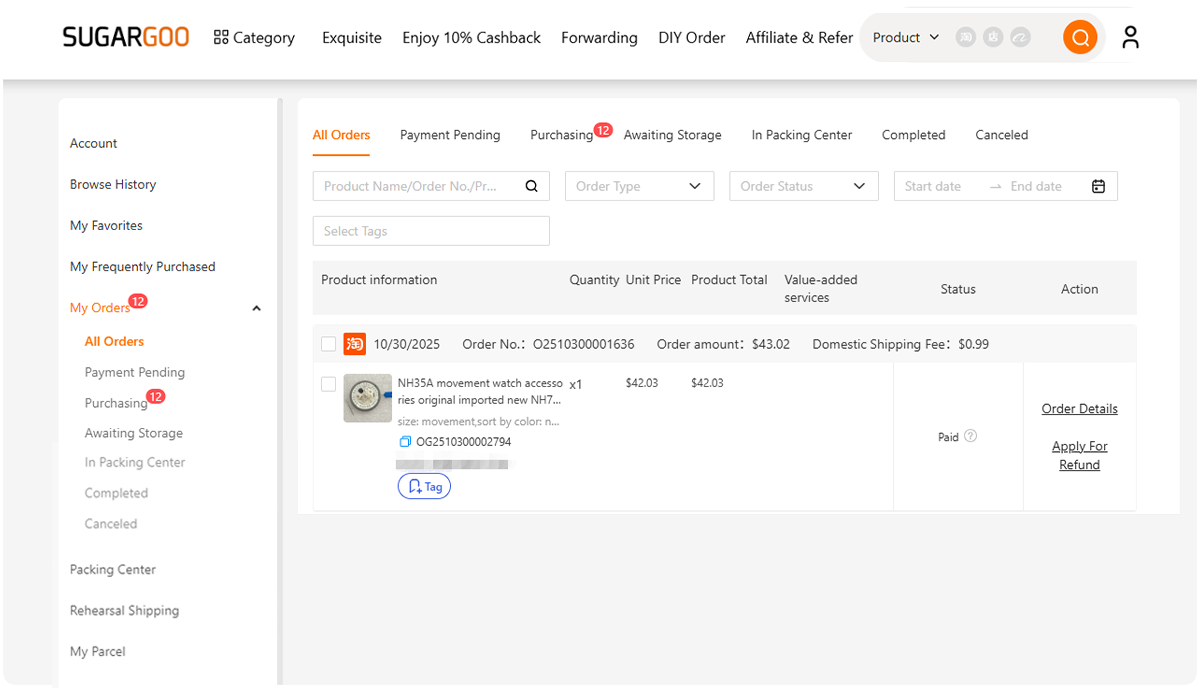
- You can actually place an order without guessing
It’s not just “translation.”
It’s more like turning a raw Taobao page into something usable.
Why this works better:
Because Sugargoo isn’t just translating text — it’s restructuring the buying process.
Instead of:
👉 trying to decode Chinese listings
You get:
👉 a simplified, English-friendly interface built for international buyers
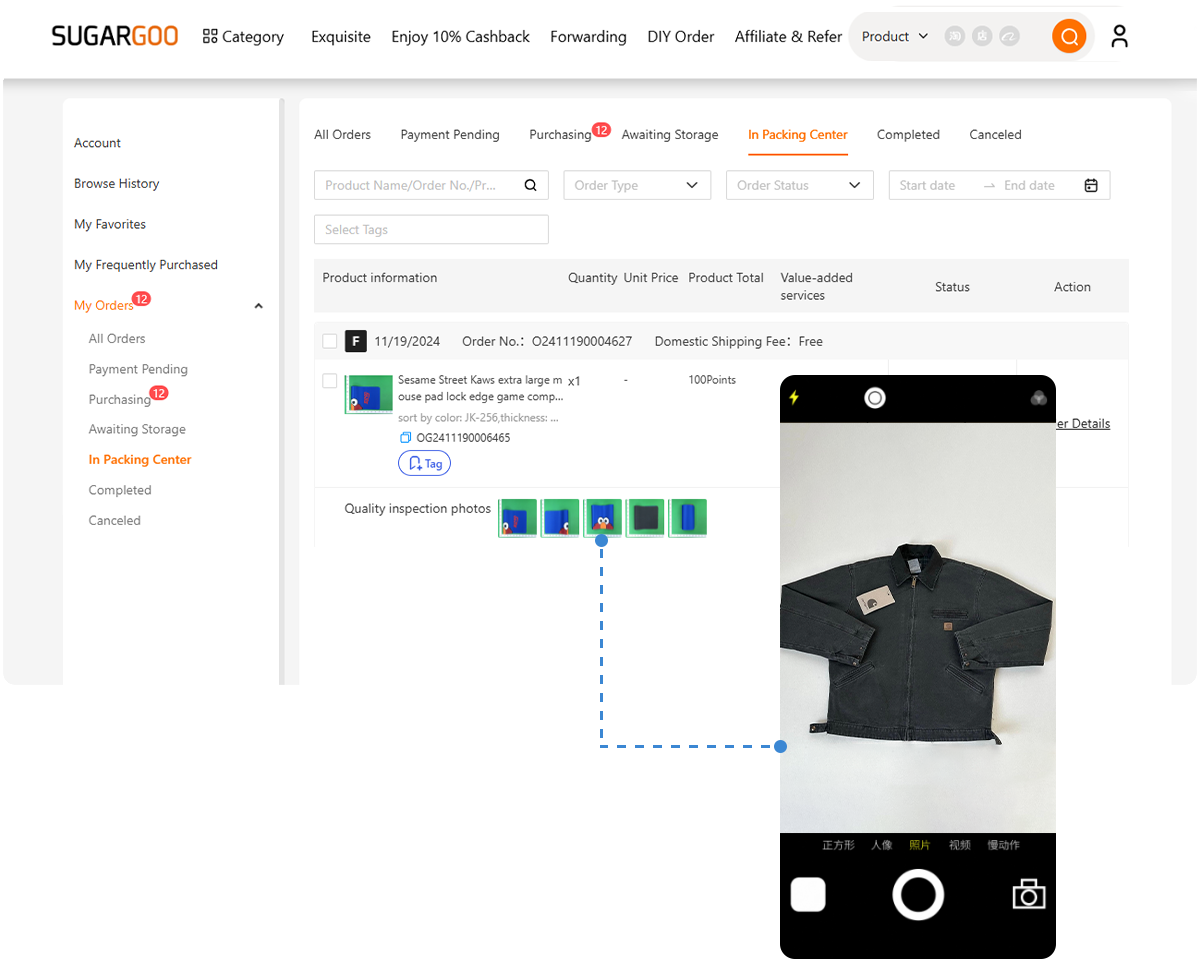
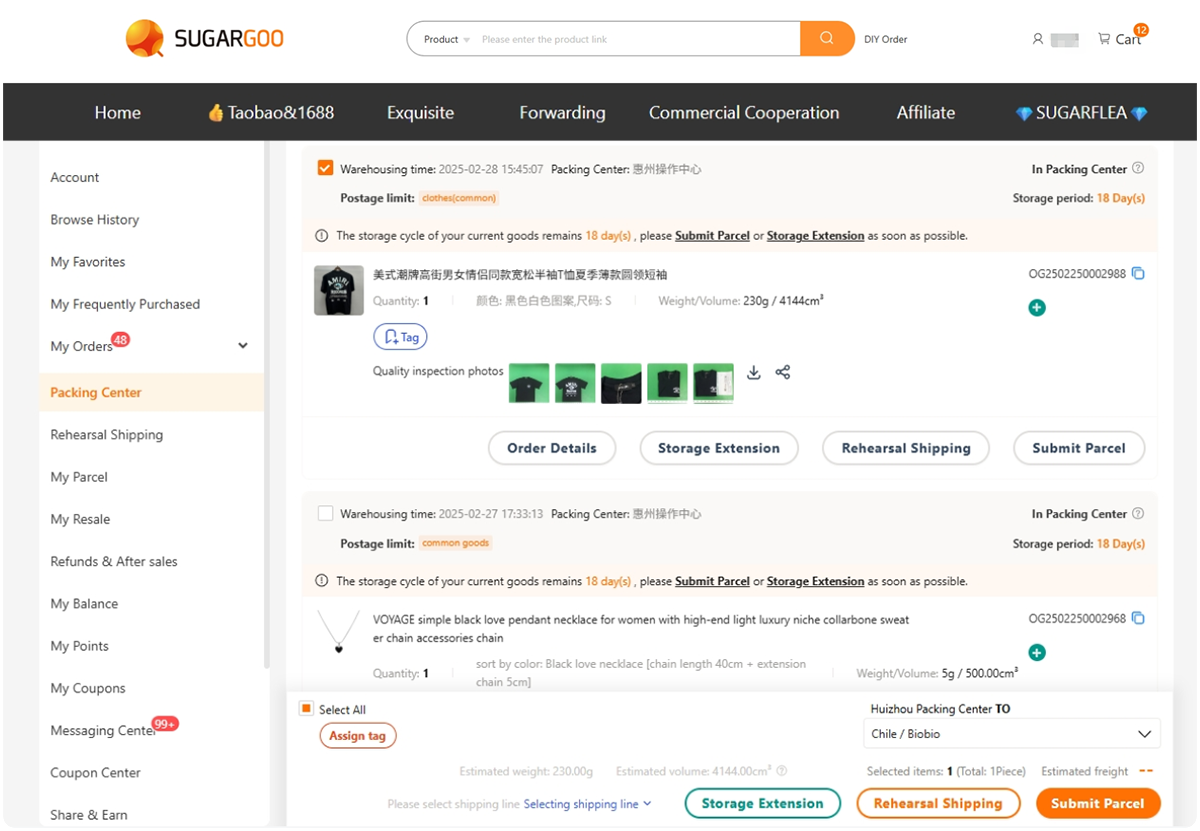
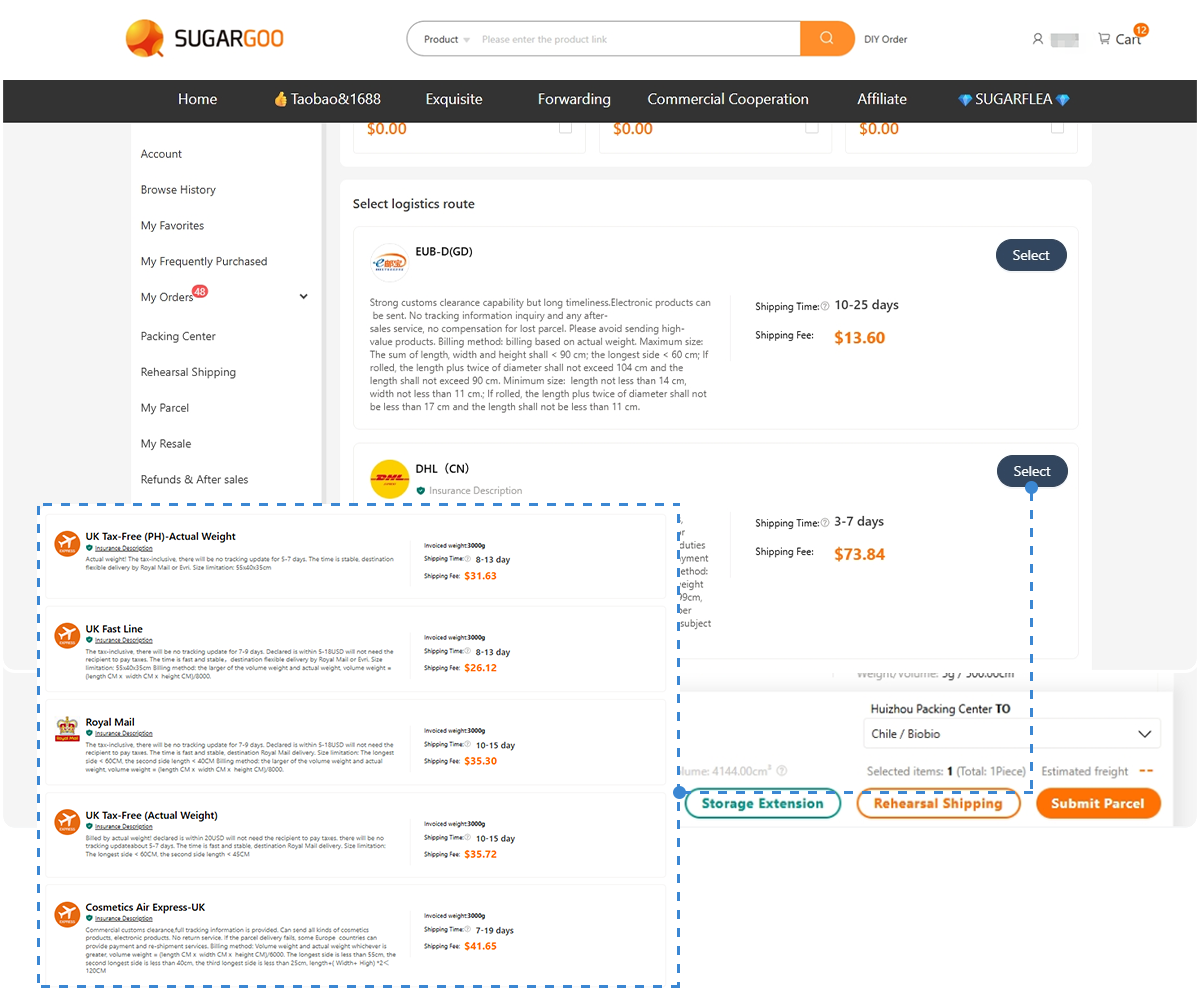
👉 along with end-to-end support — real product photos, order consolidation, reinforced packaging, and multiple cost-effective shipping solutions
Real Example: Same Taobao Link, Different Experience
Let’s say you open a Taobao hoodie listing.
With browser translation:
- Title looks weird
- Sizes are unclear
- Materials are mistranslated
With link converter:
- Slightly cleaner
- Still partially Chinese
- Still confusing
With Sugargoo:
- Clear product name
- Structured options
- Easy to select size
- Shipping cost visible
That’s the difference between “reading” and actually “understanding.”
Comparison: Which Method Should You Use?
Here’s a quick breakdown:
| Method | English Support | Ease of Use | Accuracy | Best For |
| Browser Translate | Partial | ⭐⭐⭐ | ⭐⭐ | Quick browsing |
| Link Converter | Medium | ⭐⭐⭐⭐ | ⭐⭐⭐ | Organizing links |
| Sugargoo | Best | ⭐⭐⭐⭐⭐ | ⭐⭐⭐⭐ | Buying safely |
If you’re just curious, Chrome is fine.
If you actually want to buy something without messing up:
👉 Sugargoo is easily the safest option.
Why Most People Fail When Translating Taobao
This is something I didn’t realize at first.
Most beginners assume:
👉 “If I can read it, I can buy it.”
That’s not true.
Here’s where people usually go wrong:
Misunderstanding product options
Colors and sizes often don’t translate clearly.
“Milk white” might not actually be white.
“XL” might not fit like US XL.
Ignoring product descriptions
Some key details don’t translate properly — especially materials and sizing notes.
Trusting images too much
Taobao images are heavily optimized.
What you see isn’t always what you get.
Not checking reviews (correctly)
Even if translated, reviews can lose meaning.
How to Actually Understand Taobao Listings (Even Without Chinese)
Here are a few practical tips that helped me avoid bad purchases:
✔ Look at real customer photos
These are way more reliable than product images.
✔ Check sales volume
High sales usually = safer choice.
✔ Compare multiple listings
If prices vary too much, there’s a reason.
✔ Use tools instead of guessing
Trying to “figure it out” manually is how you lose money.
FAQ: Converting Taobao Links to English
Can I change Taobao to English permanently?
No. Taobao doesn’t have an English version of its website, but its app offers an English interface in certain countries and regions.
All solutions are workarounds (translation or third-party tools).
Why is Google Translate sometimes wrong?
Because Taobao listings use informal, context-heavy Chinese.
Machine translation often misses the real meaning.
Is using a Taobao agent better than translating?
Yes — especially if you actually want to buy.
Agents like Sugargoo simplify the entire process, not just the language.
Do I still need a link converter if I use Sugargoo?
Not really.
Sugargoo already handles link parsing and product display.
The Smartest Way to Convert Taobao Links
After trying all three methods, here’s the honest conclusion:
- Browser translation is quick, but unreliable
- Link converters help, but don’t fully solve the problem
- Sugargoo is the only method that actually makes Taobao usable
If you’re just browsing, any method works.
But if you’re spending real money?
👉 You don’t want to rely on guesswork.
Stop Guessing — Start Understanding What You Buy
If you’ve ever hesitated before clicking “buy” on Taobao because you weren’t sure what the product actually was…
You’re not alone.
I’ve been there — and I’ve wasted money because of it.
The easiest way to fix that?
👉 Paste your Taobao link into Sugargoo
👉 Let it convert the page into something you can actually understand
👉 Buy with confidence instead of guessing
Once you try it, you’ll realize:
You were never the problem.
The interface was.