
Taobao is one of the world’s largest online marketplaces, offering millions of low-cost products directly from Chinese sellers. For overseas users, however, language has long been the biggest barrier. Many people now ask: Is Taobao available in English?
The short answer is: yes, but with limitations. In this guide, we’ll explain what Taobao English really is, how to enable the Taobao English version, how to use the Taobao English app, and how to get Taobao English even if your region is not officially supported.
Is There an Official Taobao English Version?
For many years, Taobao only operated in Chinese. Recently, Alibaba has started testing and expanding an English-language interface for users in selected overseas markets.
Regions where English may be available:
Users in countries such as Singapore, Malaysia, Australia, Thailand, New Zealand, Canada, and some Central Asian and Southeast Asian regions may see English options in the app.
⚠️ Availability depends on:
- App version
- Account region
- System location
This means not every international user will automatically see English after installation.
📌 Key point: When enabled, Taobao English mainly translates platform navigation (menus, categories, cart, orders), making the app much easier to use for non-Chinese speakers.
How to Make Taobao English on Mobile
If your Taobao app still shows Chinese, you can try manually switching settings. This is currently the most reliable method for how to make Taobao English.
Step 1: Install the Official Taobao App
- Download the app named “淘宝”
- Avoid unofficial overseas versions, which often lack full settings
Step 2: Access Account Settings
- Open the app
- Go to Account
- Tap the settings icon in the top corner
Step 3: Change Country or Region
- Find Country and Region / Language / currency
- Select a location known to support English (for example, Singapore)
Step 4: Select English
- Choose English as the interface language
- Set your preferred currency
- Save and refresh the app
📌 In some cases, logging out, restarting the app, or clearing cache helps the English interface activate fully.
This process explains how to get Taobao English officially within the app.
What Does Taobao English Actually Translate?
Understanding the limitations of the Taobao English version is important.
What is translated:
✔️ App menus and navigation
✔️ Search system and product categories
✔️ Cart, checkout, and order pages
What may remain in Chinese:
⚠️ Detailed product descriptions
⚠️ Seller images and custom text
⚠️ Customer reviews
In practice, most users combine Taobao English with browser or app-based translation tools for a smoother experience.
Payment Options for Taobao English Users
Another improvement for international users is payment flexibility.
Depending on your location and the seller:
- Visa and Mastercard may be accepted
- International credit cards are supported in some regions
- Local currency settlement may be available
This reduces reliance on Chinese bank accounts or Alipay balances, although payment methods still vary by seller.
How to Use Taobao in English If English Is Not Available
If your country does not support the Taobao English app, you still have alternatives.
Option 1: Browser Auto-Translation
- Open Taobao on a desktop
- Use Chrome or Safari’s built-in translation
- Entire pages can be converted into English instantly
Option 2: Screen Translation on Mobile
- Use apps like Google Translate
- Translate the Taobao interface in real time via screen or camera mode
Option 3: Taobao Agent Services
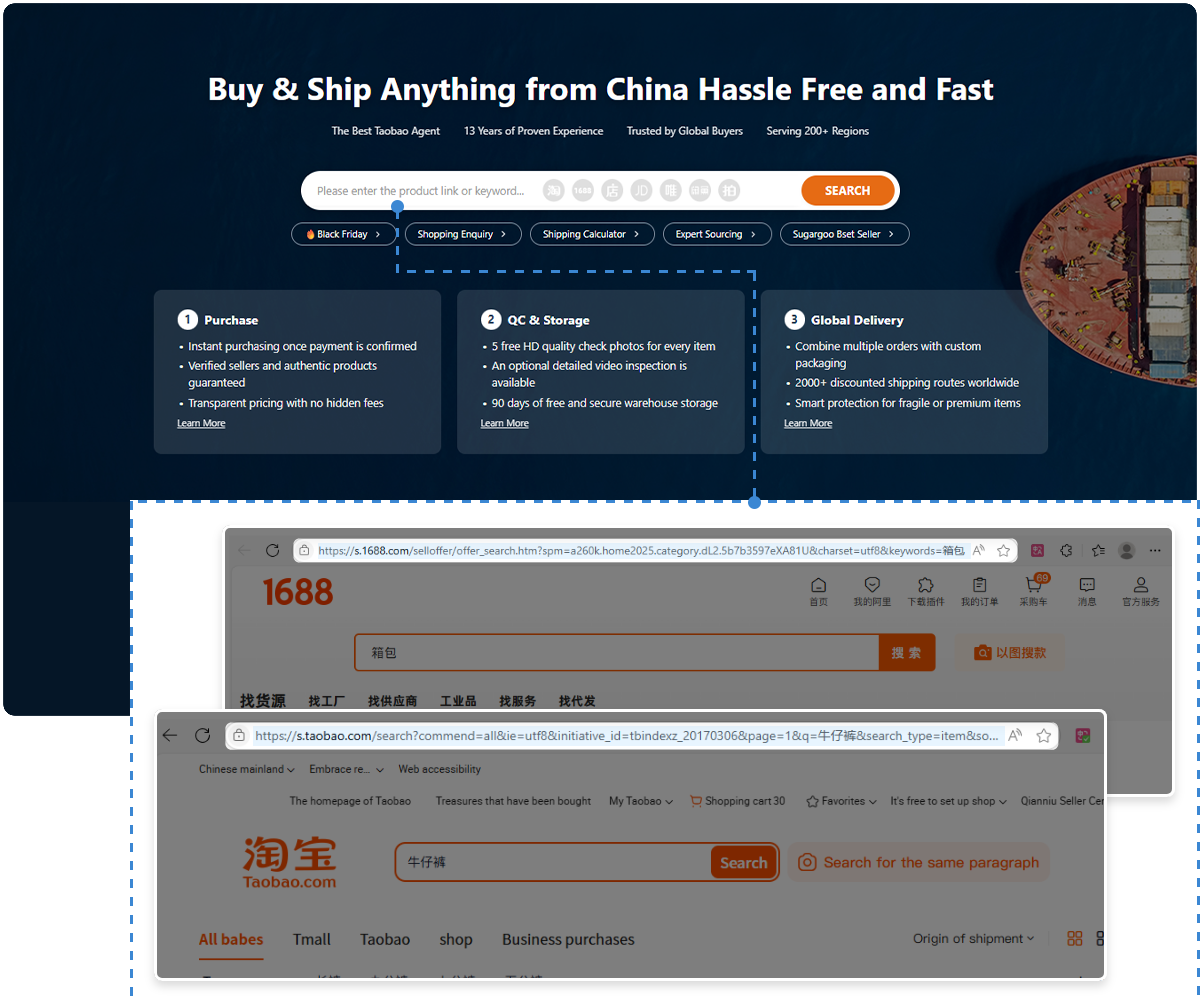
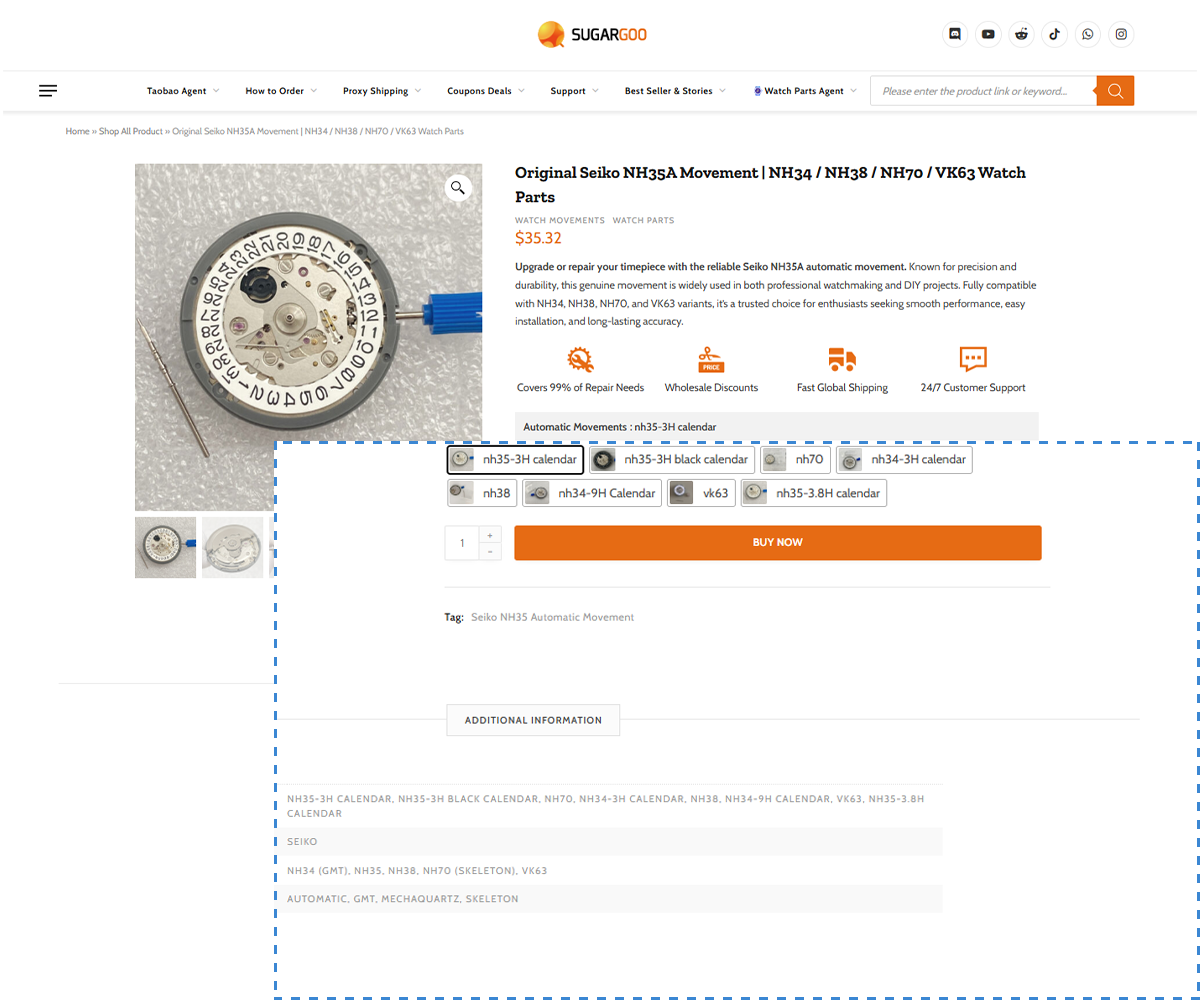
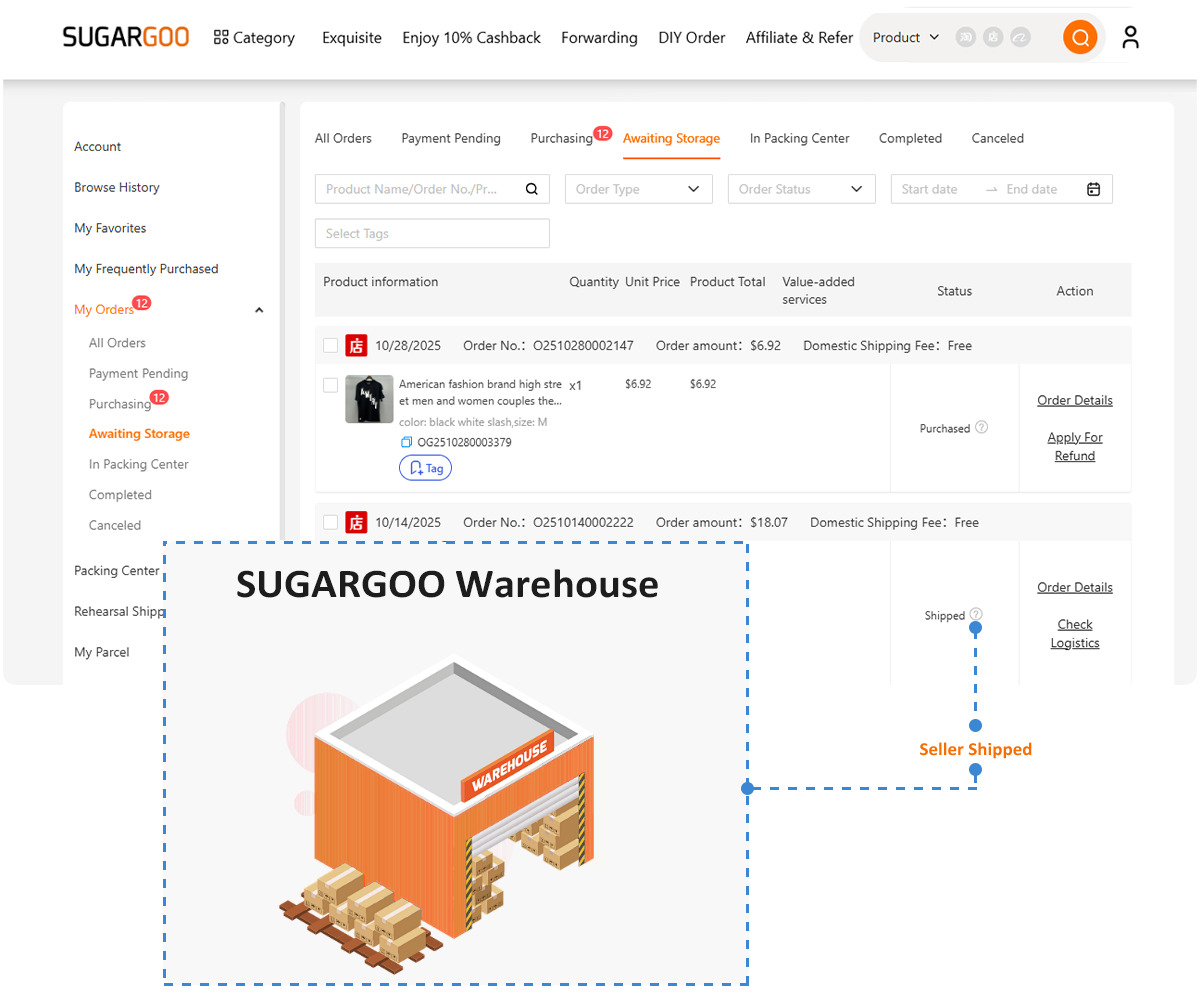
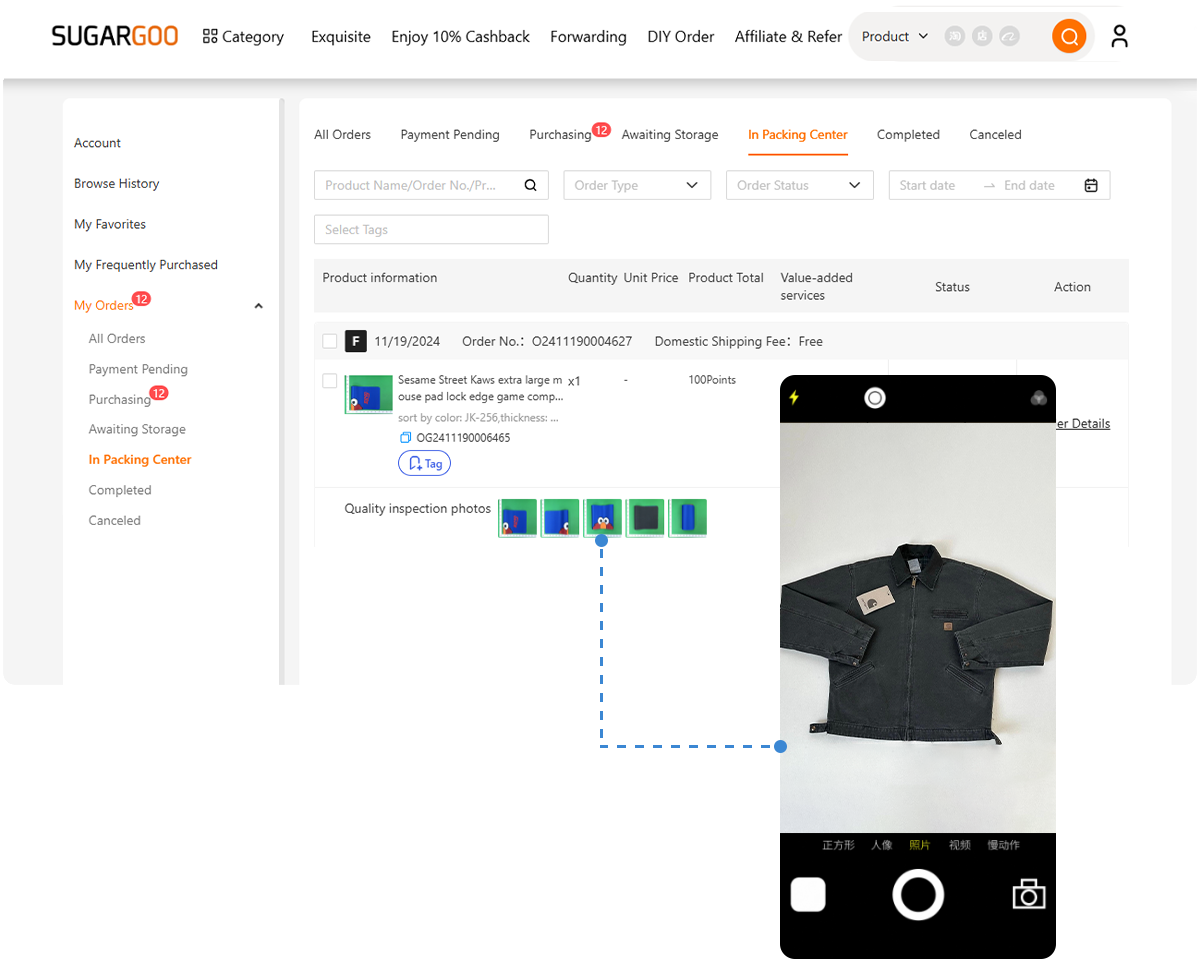
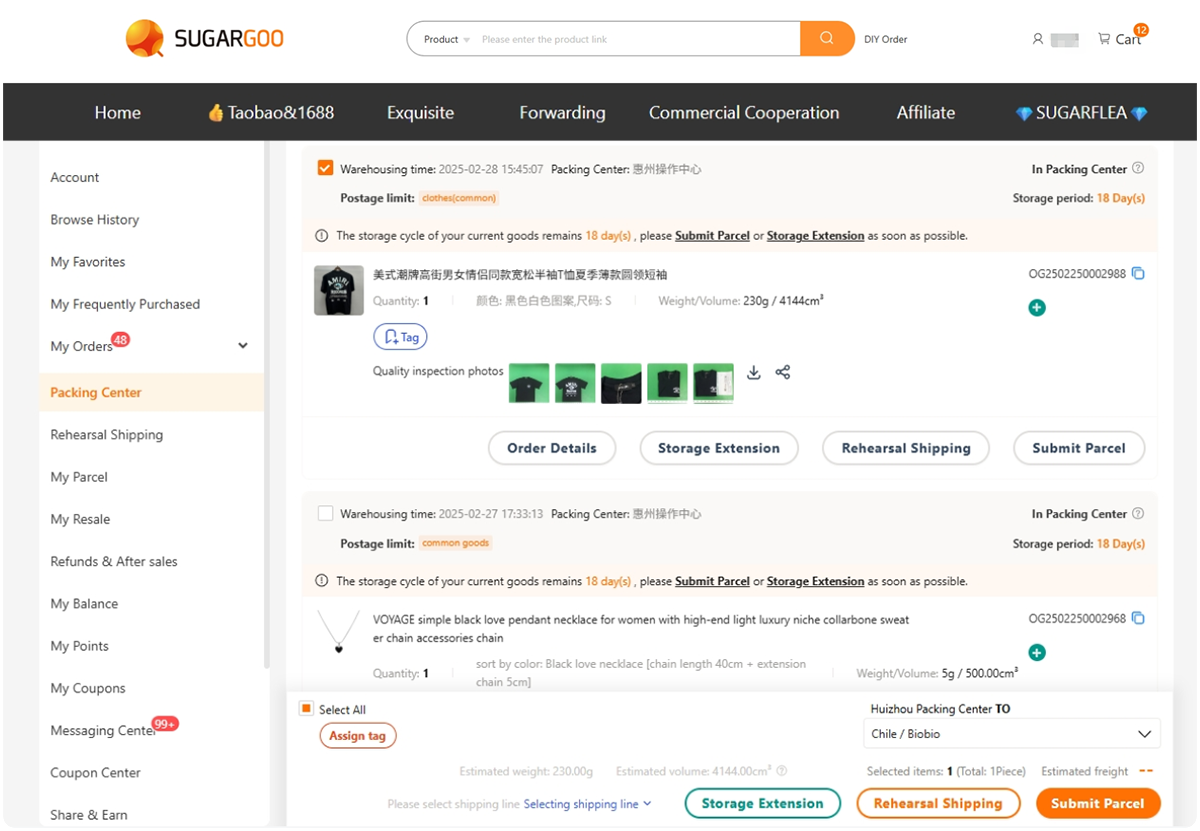
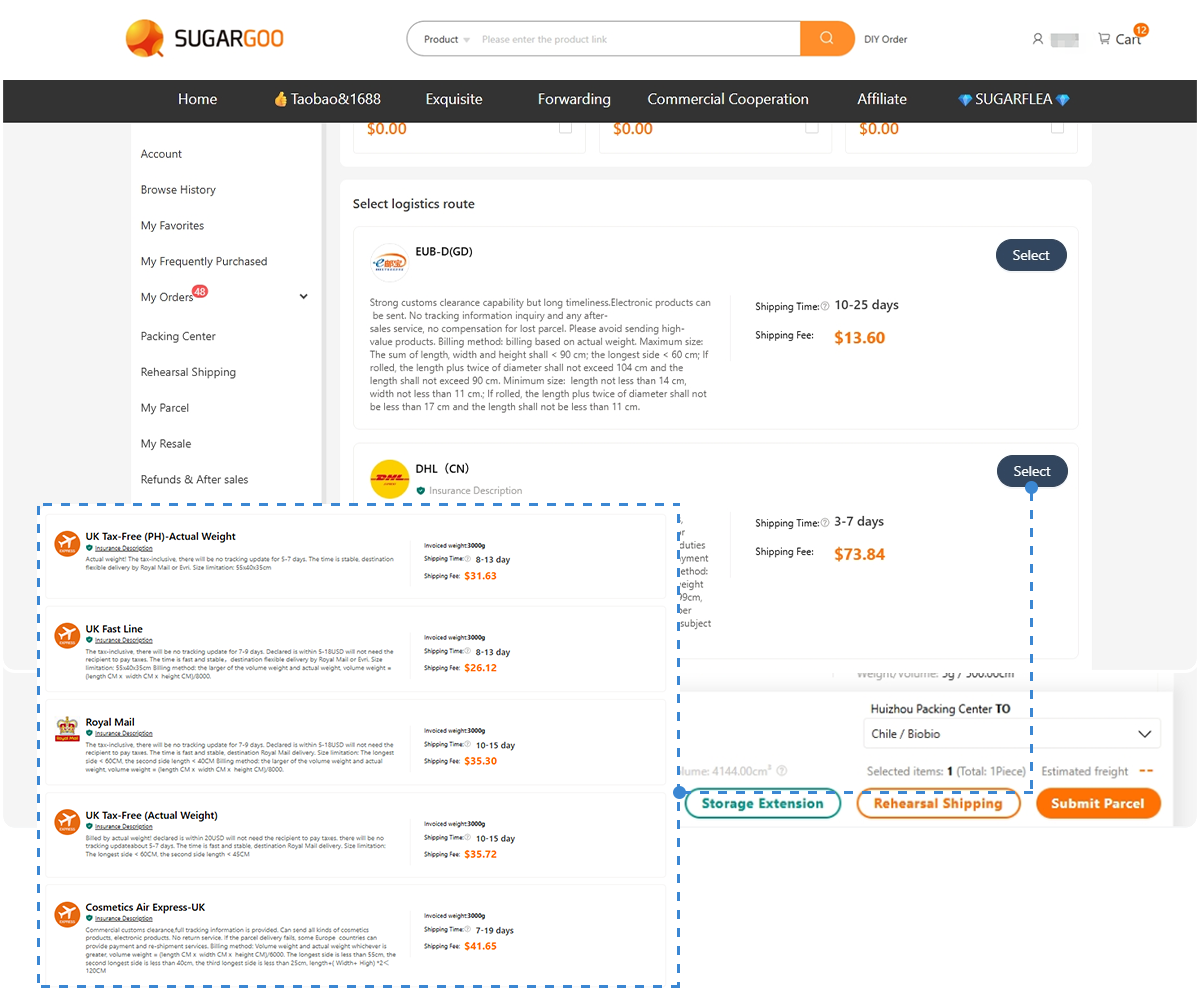
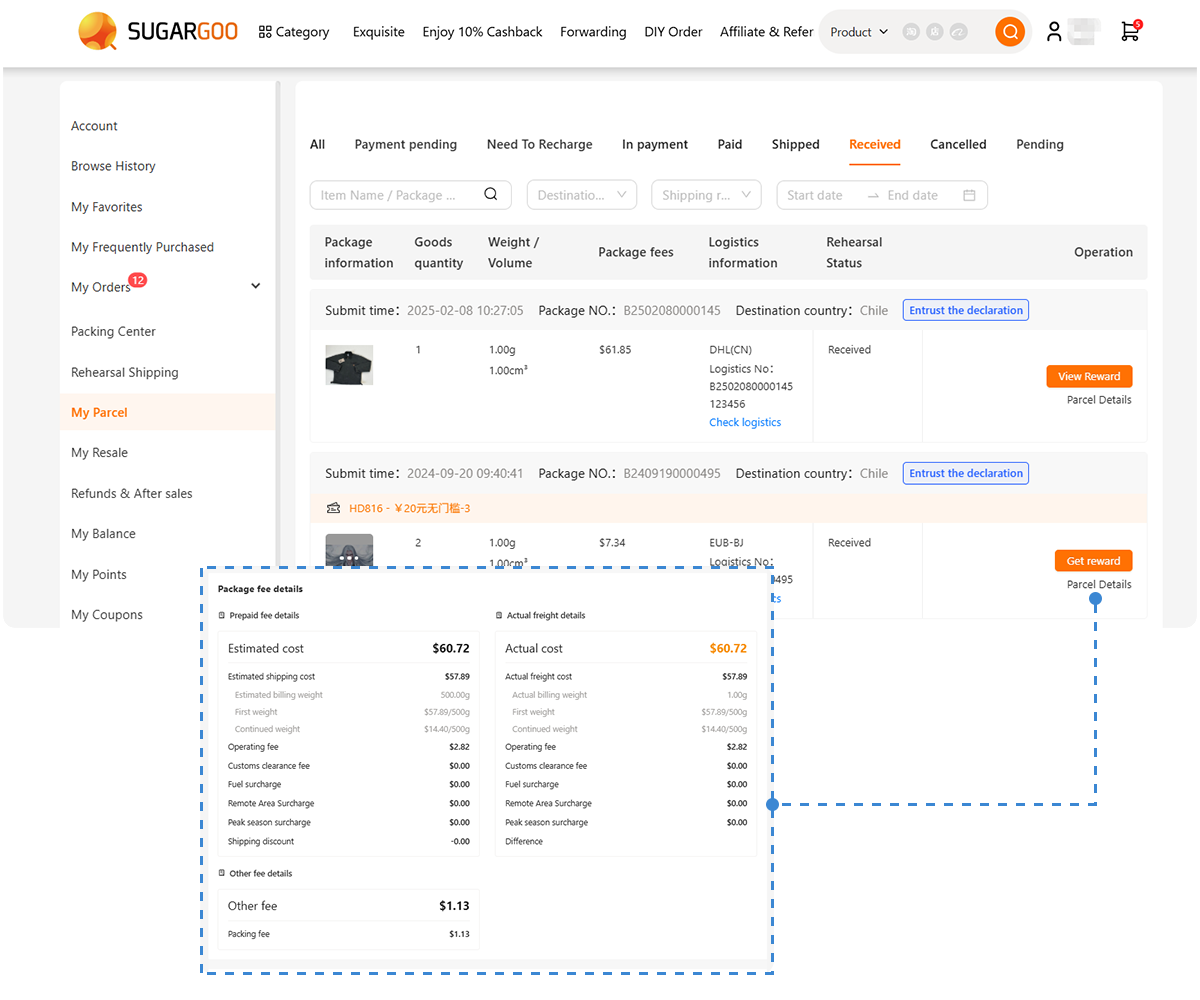
Cross-border shopping agents like Sugargoo provide:
- English-language platforms
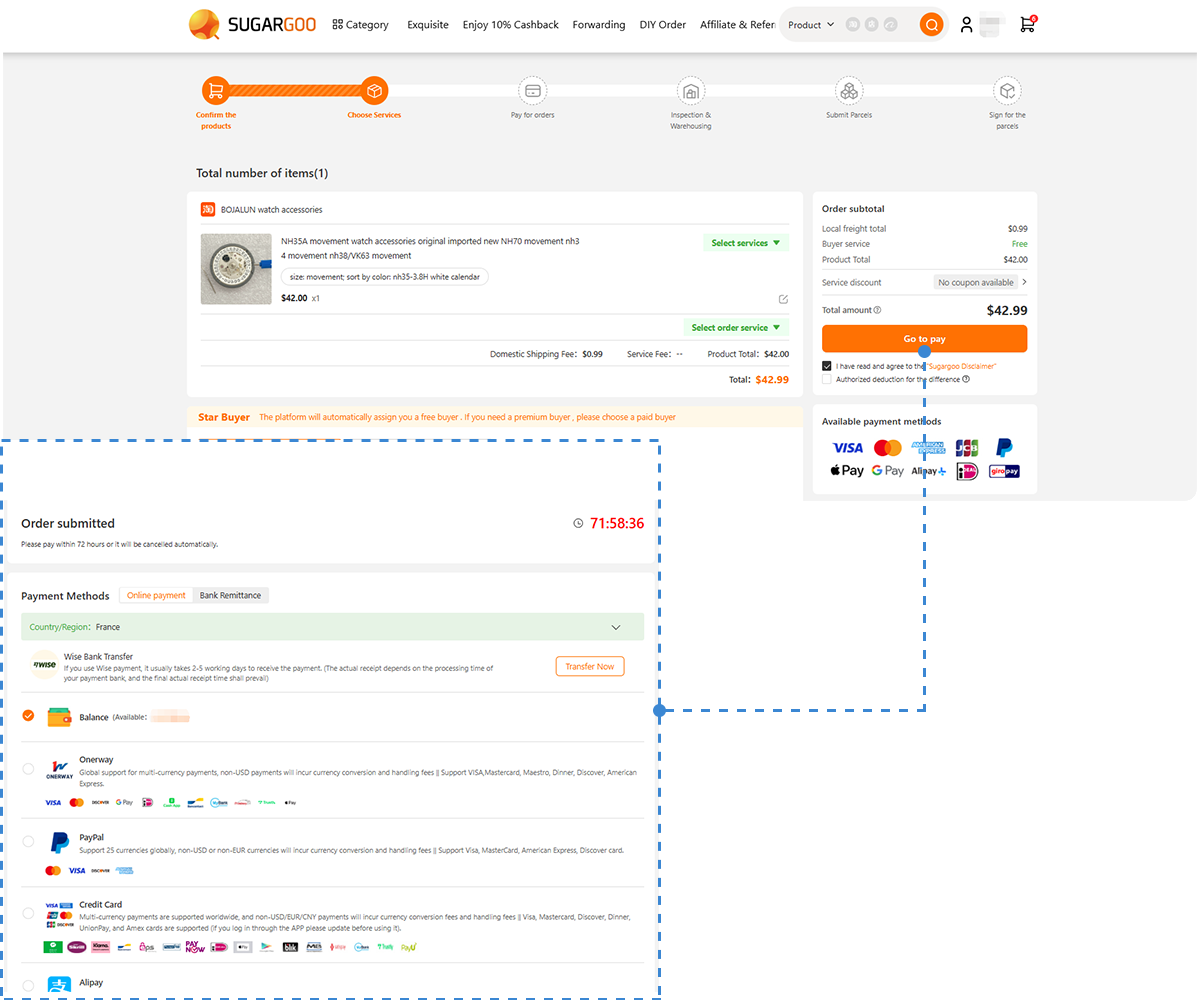
- Assisted ordering
- International payments (Visa, Mastercard
) - Global shipping solutions
Typical workflow:
- Submit a Taobao product link
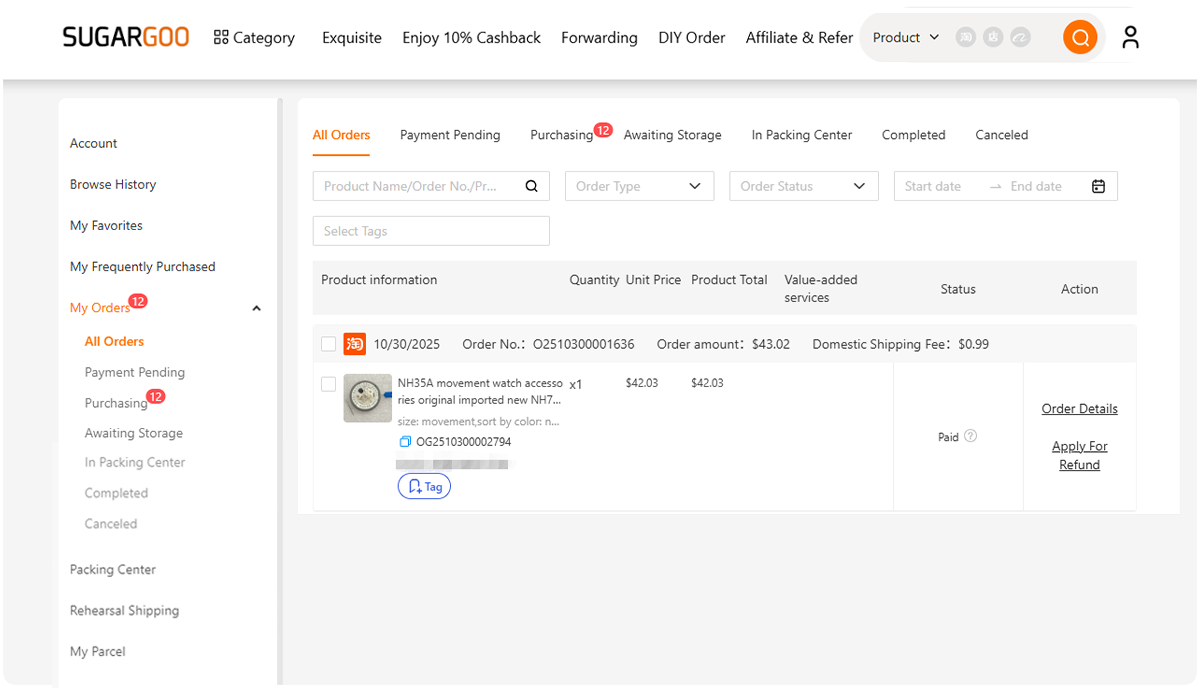
- The agent purchases the item
- You pay using international methods
- Product ships overseas
This method is often the easiest for first-time users.
Final Thoughts
✔️ If your region supports it, switching settings to unlock Taobao English offers the best experience
✔️ If not, browser translation and screen translators still work well
✔️ For maximum convenience, agent platforms remove language and payment barriers entirely
While Taobao is not yet fully English-based, the Taobao English version continues to improve and already makes cross-border shopping much more accessible. If you want to skip language barriers, payment issues, and international shipping hassles, you can simply register with Sugargoo to order Taobao products through a fully English interface with support for Visa and Mastercard.