

Opening a Taobao link outside China doesn’t always go as expected.
- The page won’t load
- It redirects to the homepage
- It opens a completely different product
- Or worse… nothing happens at all
What makes it even more confusing?
The same link might work perfectly on desktop — but fail completely on your phone.
At first, it feels random. Broken. Unreliable.
But here’s what most people don’t realize:
Taobao links aren’t actually broken — they’re just not designed for international environments.
Once you understand why, everything starts to make sense.
Quick Answer (TL;DR)
Taobao links break outside China mainly because of:
- Region restrictions
- App deep-link behavior
- Complex URL parameters
- Login requirements
- Content limitations
The easiest fix? Use a Taobao link converter or a buying agent like Sugargoo to bypass these issues entirely.
Why Taobao Links Break Outside China
Let’s break this down properly.
Most articles just say “it’s a region issue.”
That’s only part of the story.
Here are the real reasons 👇
- Region Restrictions (Geo Limitations)
Taobao is designed primarily for users in mainland China.
That affects:
- Server routing
- Content delivery (CDN)
- Access permissions
When you open a Taobao link from outside China:
- The request may be routed differently
- Some resources fail to load
- Certain pages may not be accessible at all
Result: slow loading, blank pages, or errors.
- Mobile App Deep-Link Behavior (Biggest Cause)
This is where most people get stuck.
Taobao links are not just normal web links. They’re often deep links — designed to open directly inside the Taobao app.
Here’s what happens:
- You tap a link on mobile
- It tries to launch the Taobao app
- Your device doesn’t handle it properly (or no app installed)
The link fails, redirects incorrectly, or does nothing.
That’s why:
A link that works fine on desktop can completely fail on mobile.
- Complex URL Parameters
Taobao links are messy behind the scenes.
They often include:
- Tracking IDs
- Session tokens
- Campaign parameters
If anything breaks during copying or sharing:
- The product may not load
- You get redirected to homepage
- You see the wrong item
Even a “valid” link can stop working.
- Login & Security Restrictions
Some Taobao content requires login to view.
For international users:
- Login verification may fail
- Security checks may trigger
- IP mismatch can cause issues
Result:
- Page won’t load
- Forced login loops
- “Item unavailable” messages
- Product Visibility Restrictions
Not all products are visible globally.
Some listings are:
- Region-restricted
- Category-limited (e.g. niche items)
So even if the link works in China:
It might show as “deleted” or “not available” overseas.
- CDN & Image Loading Issues
Even when the page loads, images often don’t.
Why?
- Taobao image servers are optimized for China
- Overseas connections can be unstable
Result:
- Blank thumbnails
- Missing product photos
- Pages that look “broken” but technically aren’t
- Taobao Is Only Partially Open to International Users
This is the part most people overlook.
Taobao isn’t fully closed to overseas users — but access is very limited.
In some regions, certain features may work.
But overall, the platform is still primarily built for:
- Chinese users
- Chinese apps
- Chinese payment systems
So when you try to use it from outside China, you’re often dealing with a partially supported experience.
👉 Some things work.
Some don’t.
And a lot of it depends on your location, device, and payment method.
That’s why the experience can feel inconsistent — you’re using a system that isn’t fully designed for international use.
Mobile vs Desktop: Why the Same Link Behaves Differently
This deserves its own section.
Because it’s one of the biggest sources of confusion.
On Desktop:
- Opens in browser
- Less dependency on app
- More stable behavior
On Mobile:
- Tries to open Taobao app
- Deep-link failure is common
- Browser handling is inconsistent
That’s why many people think links are “randomly broken.”
They’re not.
They’re just behaving differently across devices.
How to Fix Taobao Links (3 Practical Methods)
Now that you know the causes, let’s fix it.
Method 1: Use Browser Translation (Basic Fix)
You can try:
- Chrome auto-translate
- Right-click → Translate
This helps with:
- Language barrier
But doesn’t fix:
- Broken links
- App redirects
- Region issues
Useful, but limited.
Method 2: Use a Taobao Link Converter
This is a more reliable solution.
A link converter:
- Extracts the core product info
- Removes unstable parameters
- Generates a cleaner, more stable link
Result:
- Works better across devices
- Avoids some redirect issues
Method 3: Use a Buying Agent (Most Reliable) ⭐
This is what most experienced buyers end up doing.
Instead of fighting broken links…
They just bypass the problem entirely.
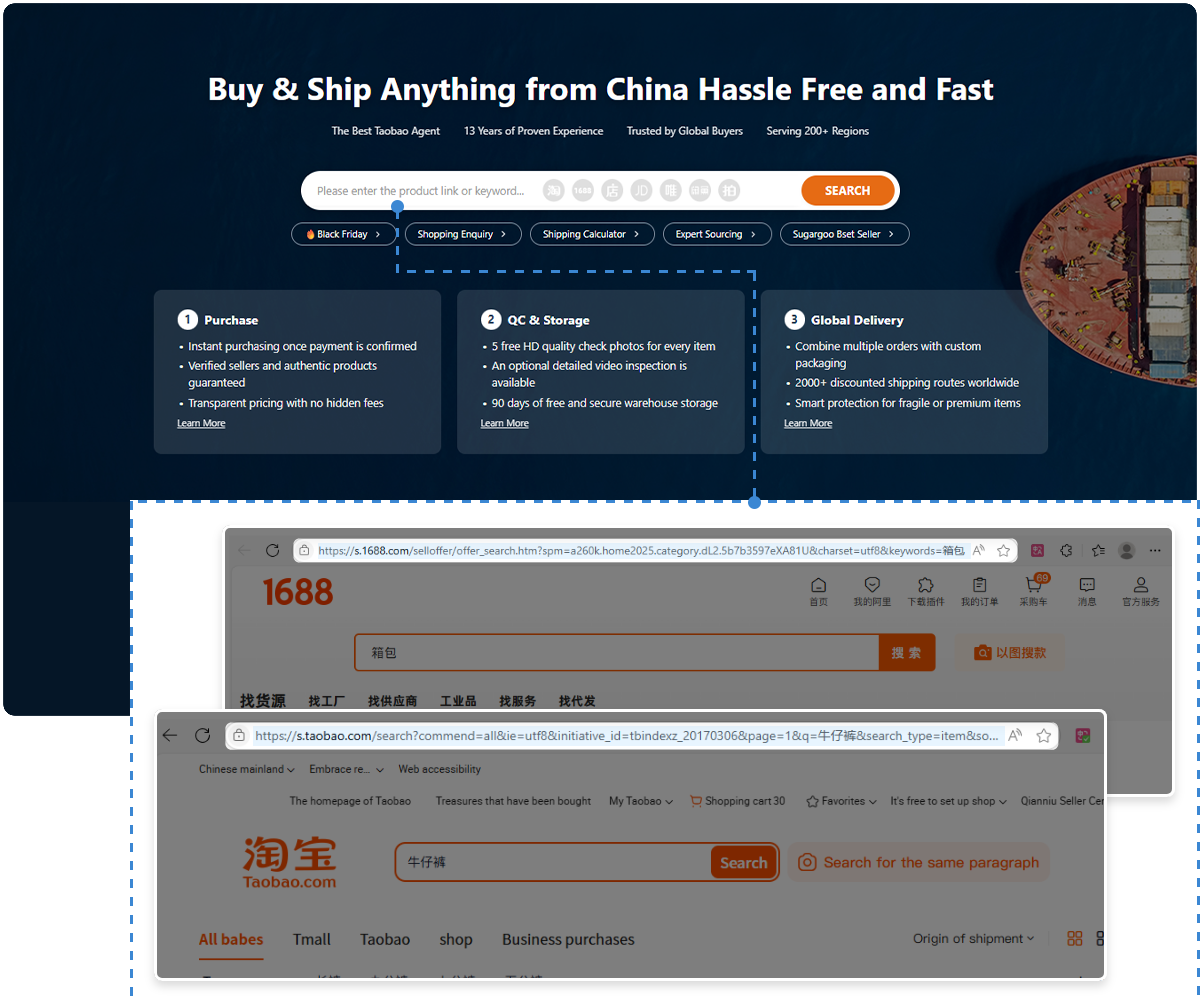
Platforms like Sugargoo work differently:
- You paste the Taobao link
- Their system processes it locally in China
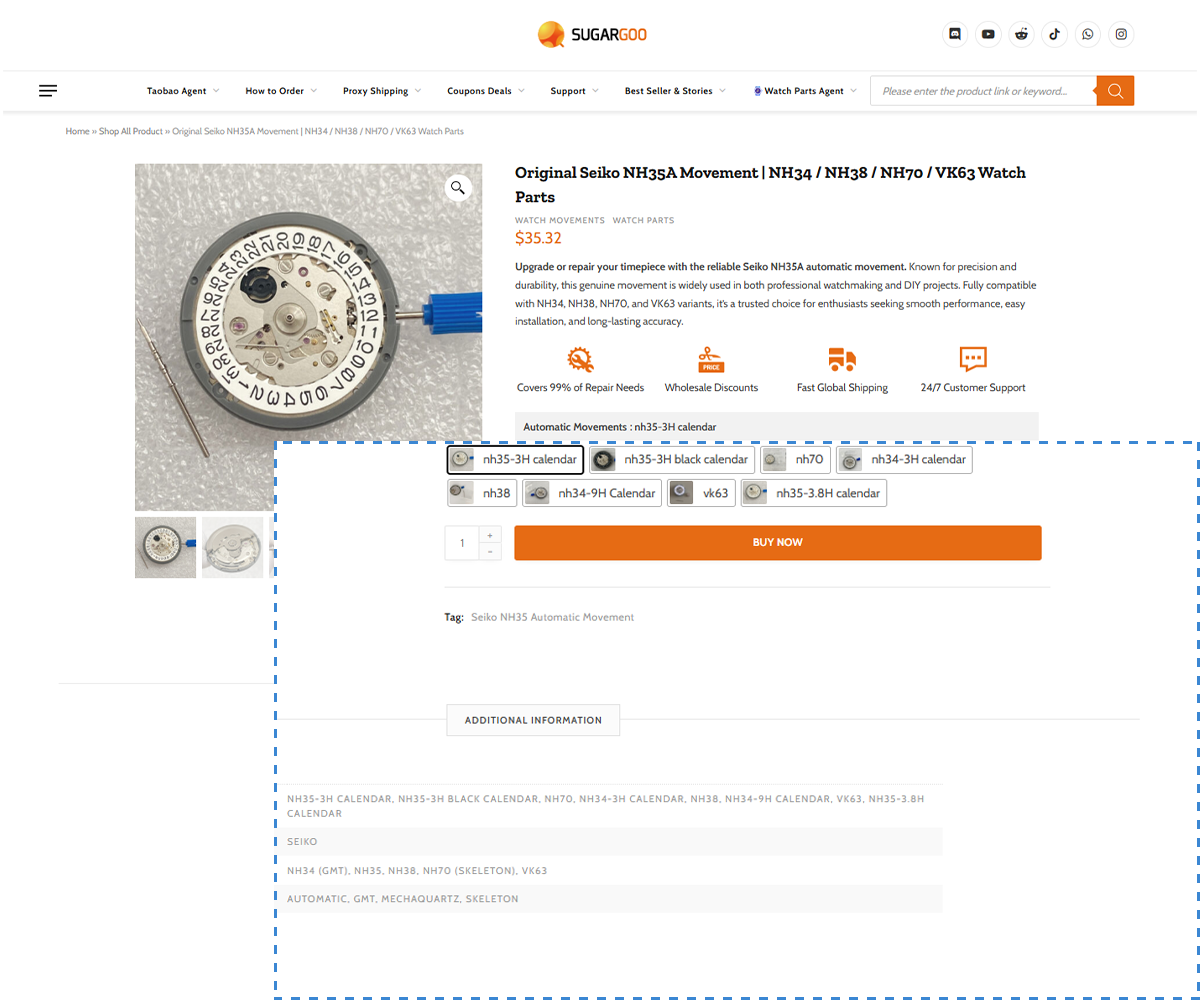
- The product loads correctly
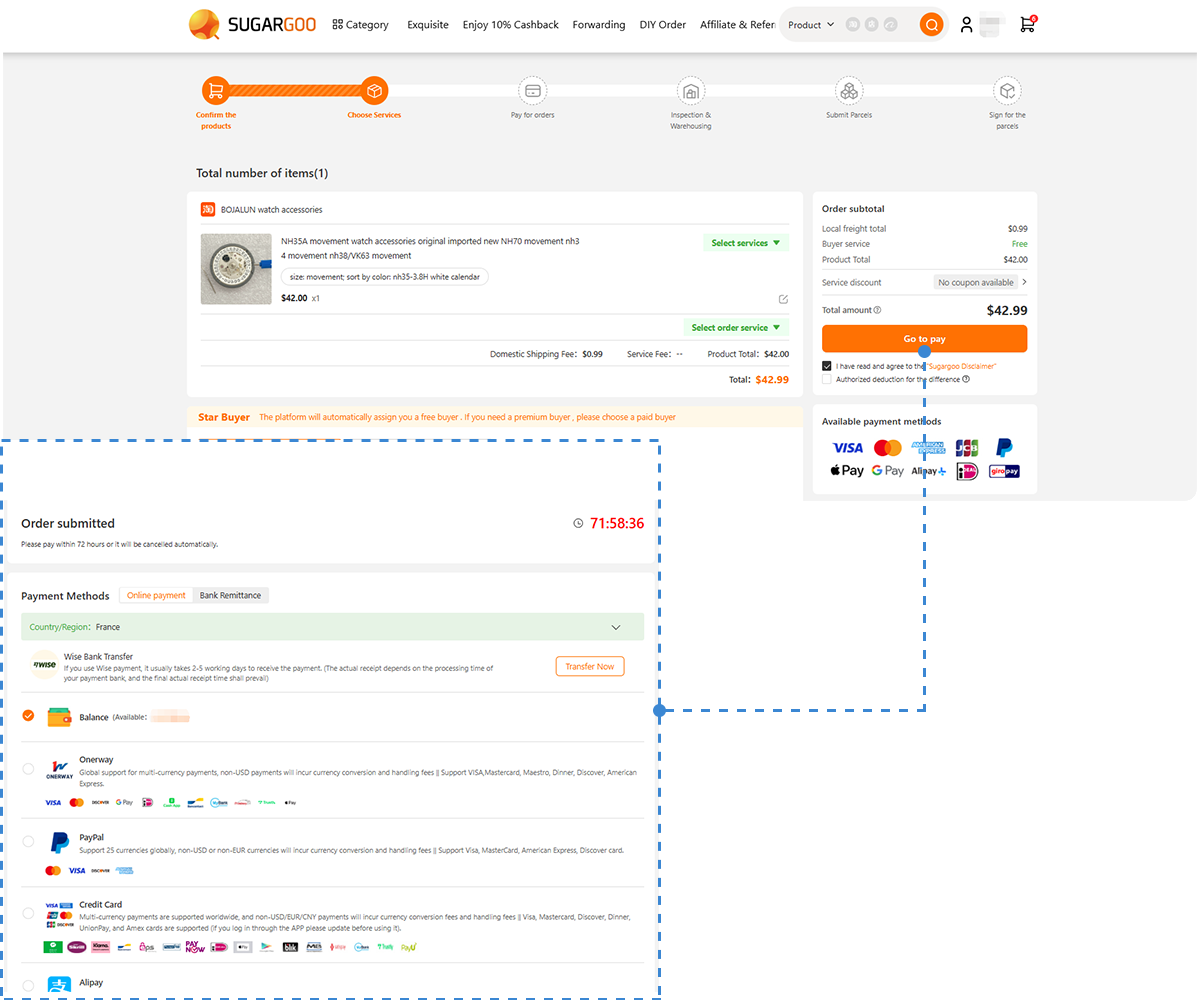
- You can order directly
Why this works:
- No region restrictions
- No app dependency
- No broken parameters
- No login issues
Plus:
It’s essentially a workaround that eliminates all the technical friction.
The Workflow That Actually Works (Recommended)
If you want something simple and consistent, this is the best approach:
- Copy the Taobao product link
- Paste it into a platform like Sugargoo
- Let the system load the product
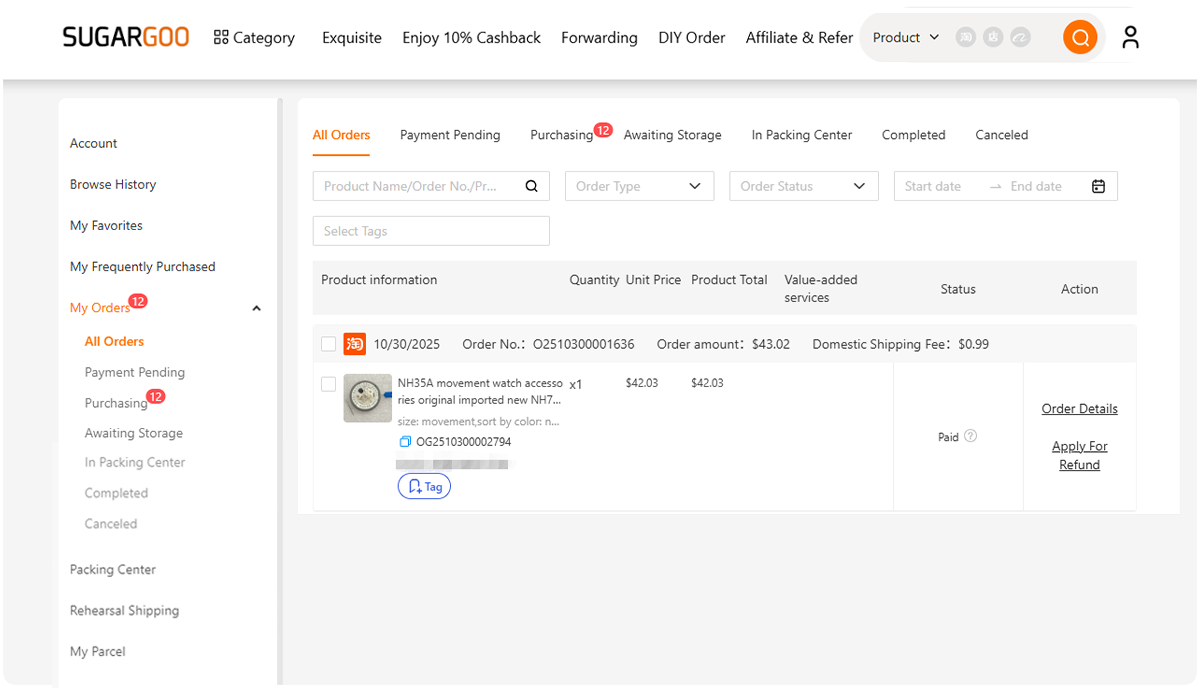
- Place your order
No debugging. No guesswork.
Common Mistakes to Avoid
Before you go, avoid these:
- Copying incomplete links
- Trying to open links only on mobile
- Assuming the product is gone
- Refreshing repeatedly without changing method
Most issues aren’t permanent — just environmental.
Final Thoughts
If Taobao links don’t work for you, it’s not because you’re doing something wrong.
It’s because the platform isn’t built for international use.
Once you understand that, the solution becomes obvious:
- Either adapt your setup
- Or use tools that handle it for you
And in most cases?
Skipping the problem entirely is the easiest path.