

Taobao has a huge product range and the prices can be hard to ignore. But for shoppers who don’t read Chinese, even basic browsing can feel uncertain.
Most listings use long Chinese titles. Sizes, materials, and notes are often shown inside images. Seller replies are usually in Chinese as well. Without some kind of translation help, it’s easy to miss important details.
Because of that, browser translation tools end up being part of the Taobao shopping process. In the next sections, we’ll look at a few common options and how they actually behave on Taobao pages.
Why You Need a Translation Tool for Taobao
Most overseas shoppers run into the same problems within minutes of opening Taobao:
- The entire interface is in Chinese
- Product titles are long and keyword-heavy
- SKU options combine colors, sizes, and bundles
- Size charts and materials are often shown as images
- Seller communication happens only in Chinese
Without translation, even finding the right product becomes guesswork. Browser translation tools help bridge that gap—at least at the browsing stage.
How Translation Tools Are Used During Taobao Shopping
Translation tools aren’t used in just one place. They come into play throughout the shopping process.
- Browsing search results to understand titles, prices, and sales volume
- Reading product detail pages, including descriptions and specifications
- Choosing SKUs, such as size, color, or set options
- Checking reviews to see real buyer feedback
- Chatting with sellers to ask basic questions
The key question isn’t whether a tool can translate Chinese, but whether it works smoothly on Taobao’s dynamic pages.
Best Browser Translation Tools for Taobao Shopping
- Chrome Built-in Google Translate
For most users, Chrome’s built-in translator is the easiest starting point.
Pros
- Automatically detects Chinese pages
- One-click full page translation
- No setup required
Cons
- Some dynamic content doesn’t translate
- SKU labels can remain partially untranslated
- Image-based text is ignored
It works well for general browsing but may miss important details deeper in the page.
- Google Translate Extension
The extension version offers a bit more flexibility than Chrome’s default translation.
Best use cases
- Translating selected text
- Re-translating broken sections
- Quick pop-up translations
However, on complex Taobao product pages, layout issues can still occur, especially when switching between SKUs.
- Microsoft Edge Translator
Microsoft Edge handles Chinese e-commerce pages surprisingly well.
Why some users prefer it
- Stable page structure after translation
- Smooth scrolling on long detail pages
- Good consistency across sections
It’s a solid alternative if Chrome translations feel unstable.
- DeepL (Selective Use)
DeepL is known for natural translations, but it’s not designed for full Taobao browsing.
Where it helps
- Copying short descriptions
- Understanding seller messages
- Translating product specs manually
Where it struggles
- No full-page Taobao support
- Doesn’t work well with dynamic layouts
Think of DeepL as a support tool, not a primary browsing solution.
Common Problems Translation Tools Can’t Fully Solve
Even the best browser translation tools have limitations on Taobao.
- Text embedded in images won’t translate
- Size charts may use unclear or inconsistent units
- SKU translations can be misleading
- Seller messages may lose nuance
- Automatic translation can misinterpret bundles or quantities
For casual browsing, this may be fine. But when placing actual orders, small misunderstandings can turn into costly mistakes.
When Translation Tools Aren’t Enough
Translation tools are great for exploring products and comparing options. But once you’re ready to place an order—especially for higher-value items—accuracy matters more than speed.
This is where many overseas shoppers choose to combine translation tools with a Taobao agent or forwarding service to reduce risk.
A Simpler Way to Shop Taobao with Sugargoo
For shoppers who want more confidence beyond browser translation tools, Sugargoo offers a more guided approach to Taobao shopping.
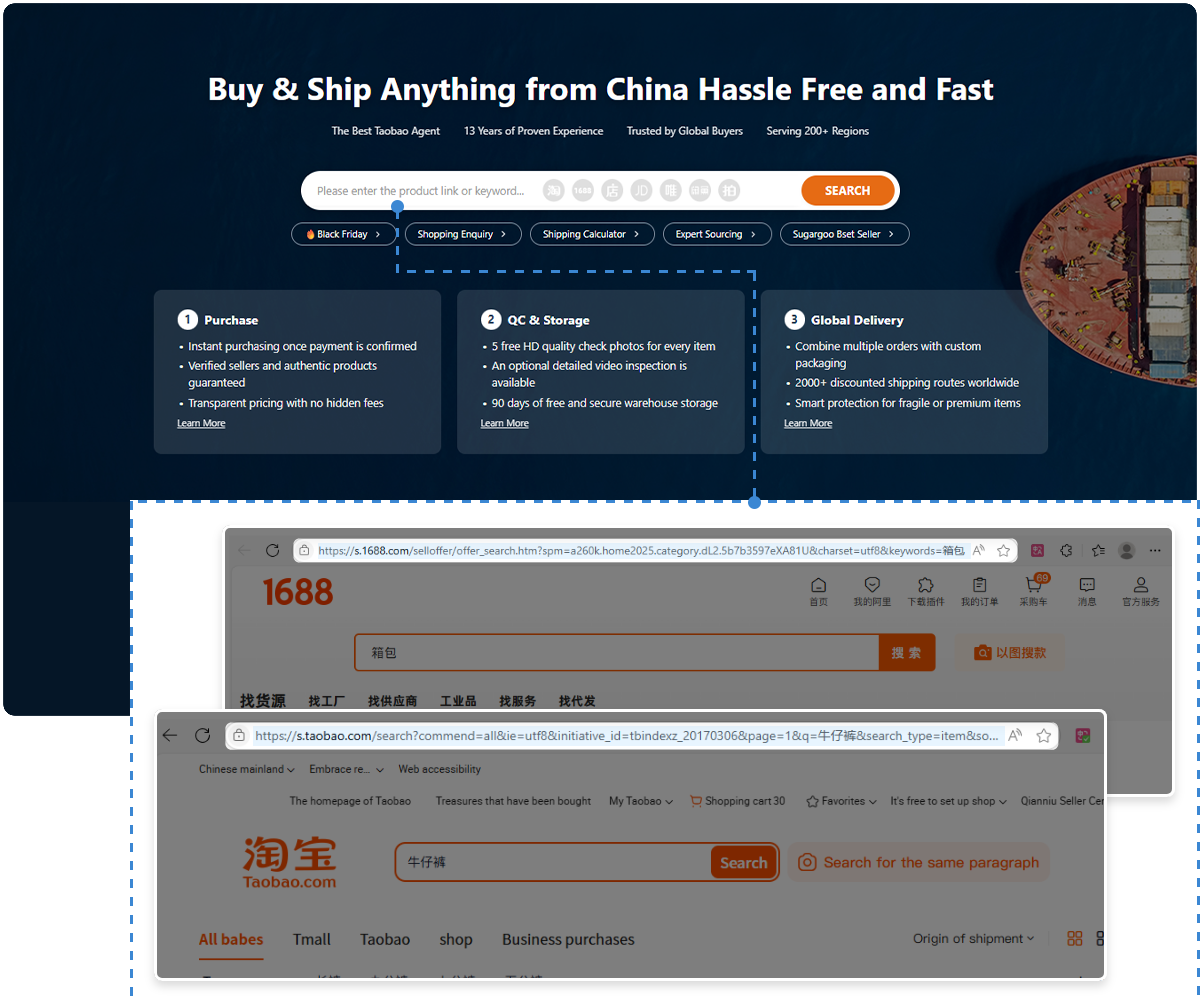
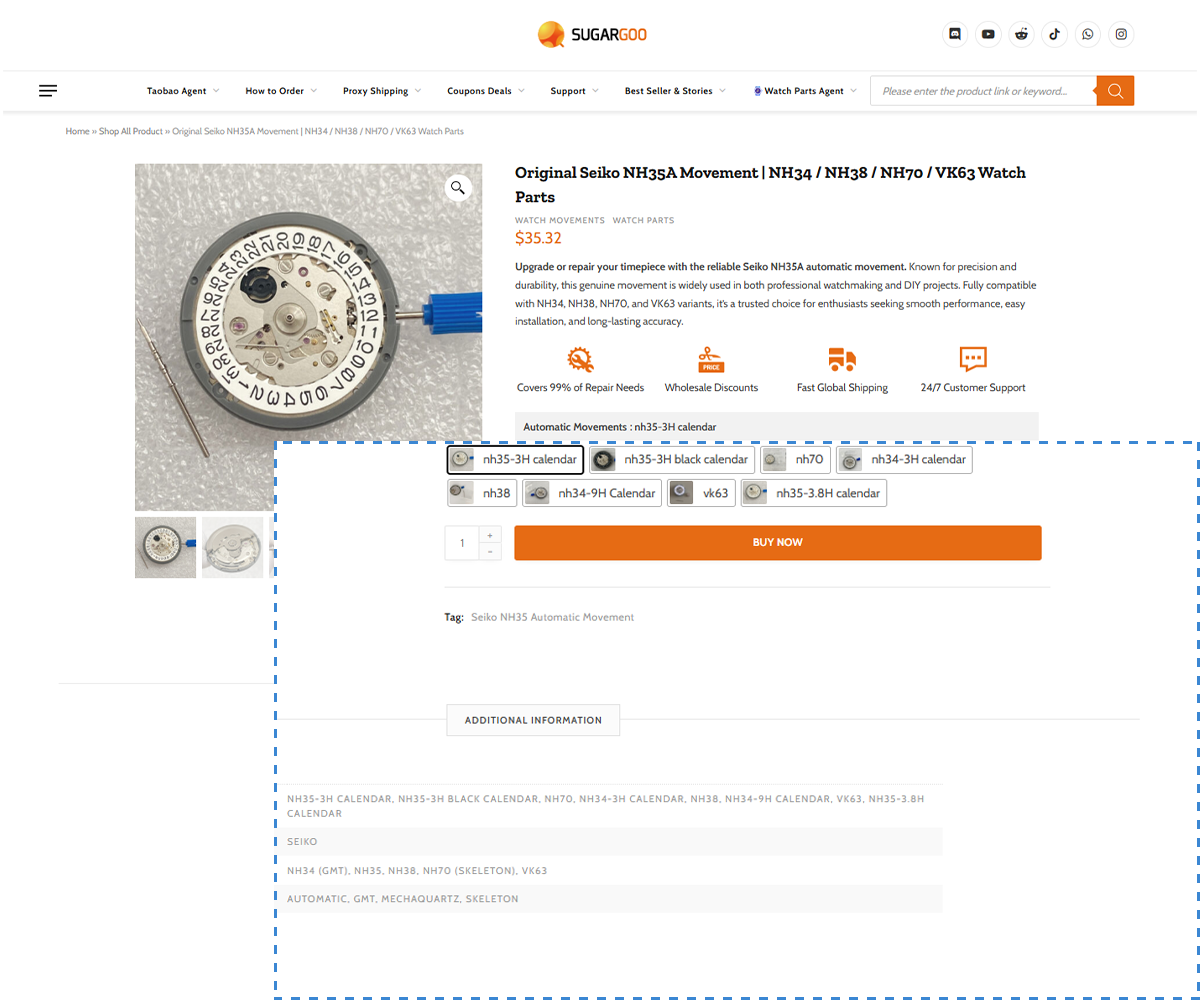
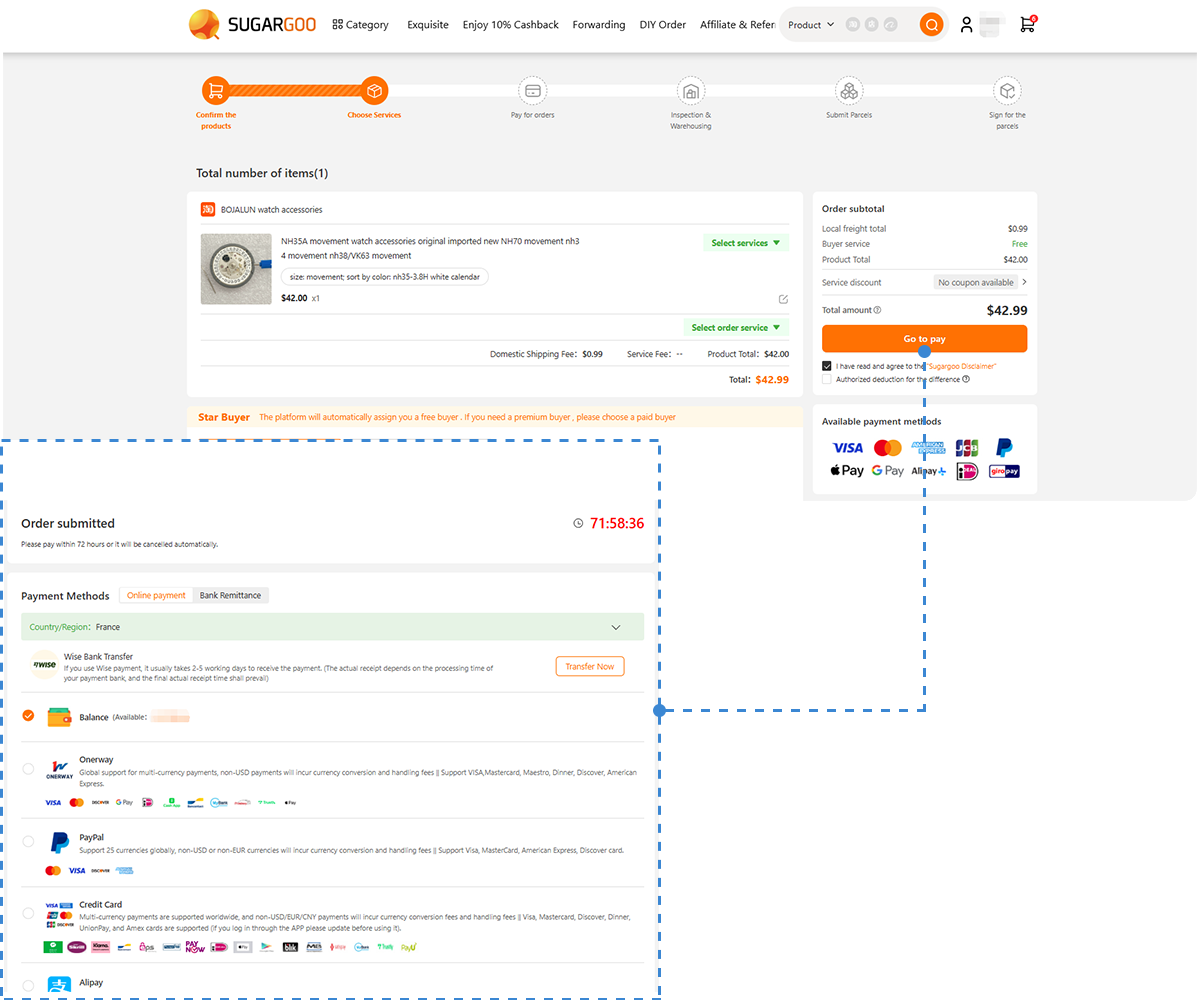
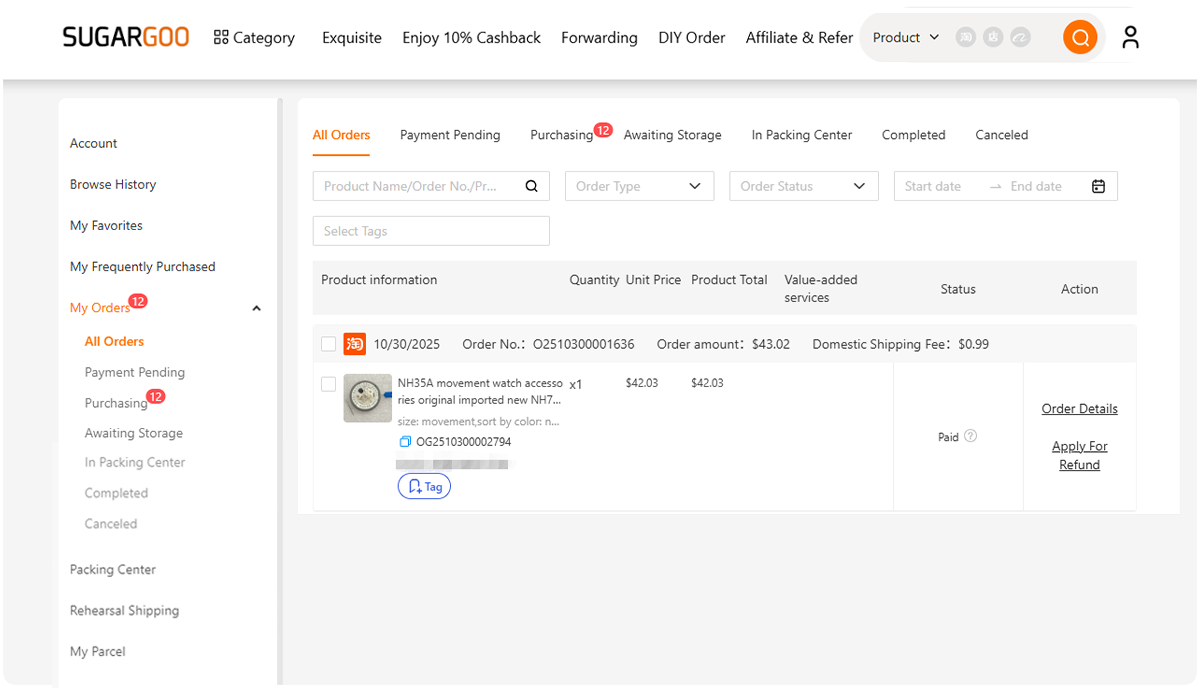
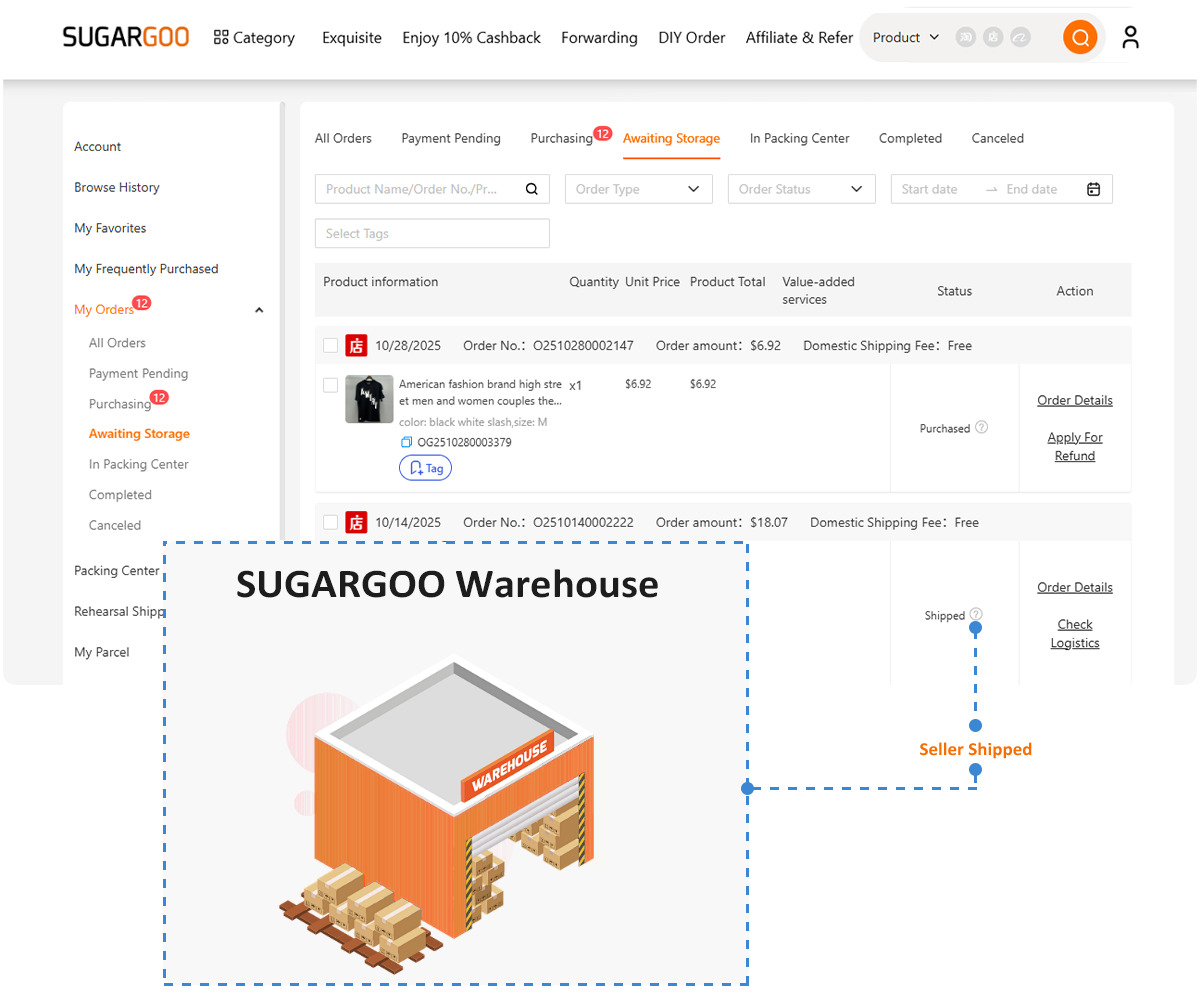
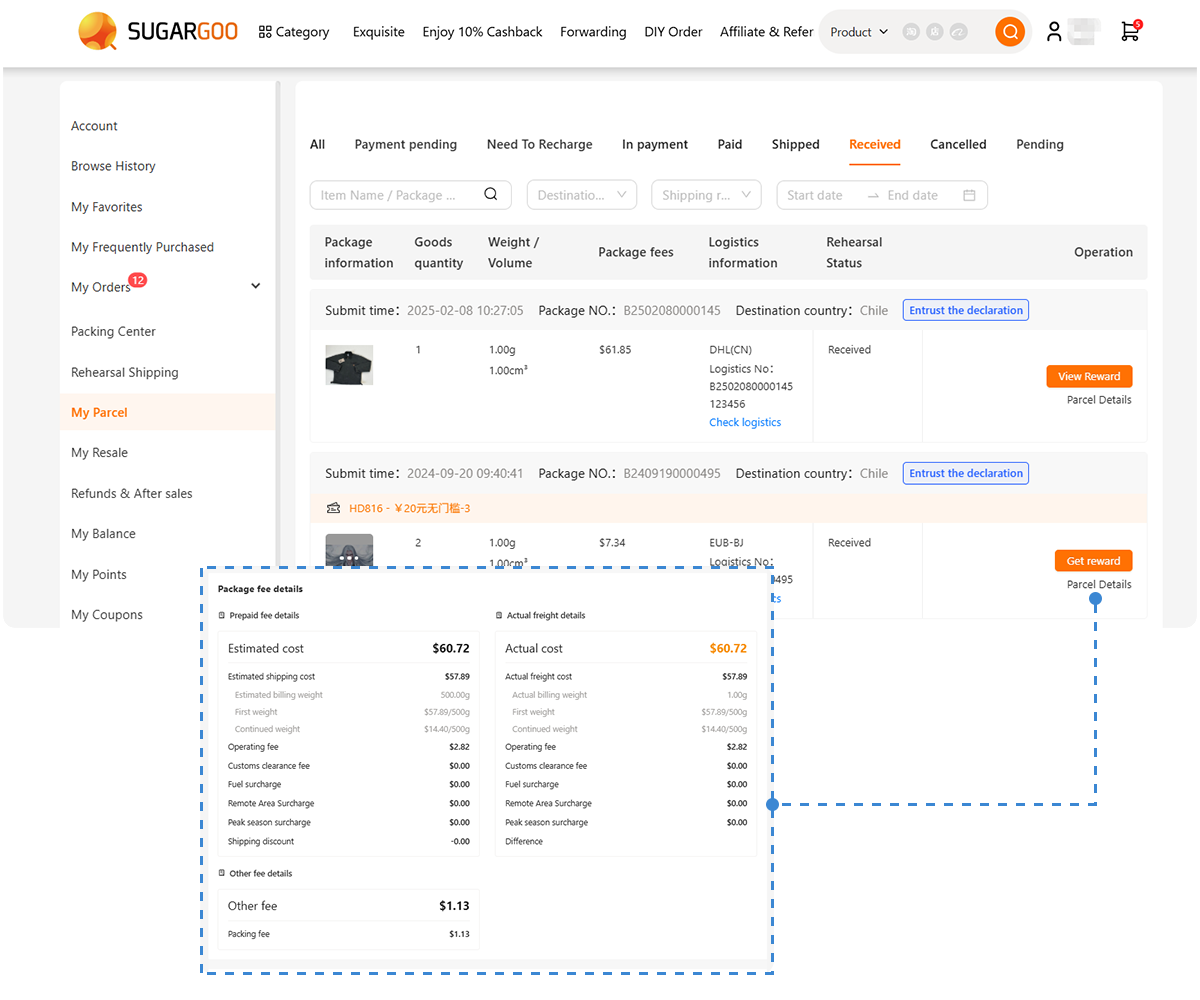
Instead of translating everything manually, you can paste a Taobao product link directly into the Sugargoo website, which automatically displays the product in an English interface. From there, Sugargoo assists with the entire ordering process, including:
- Order placement on Taobao
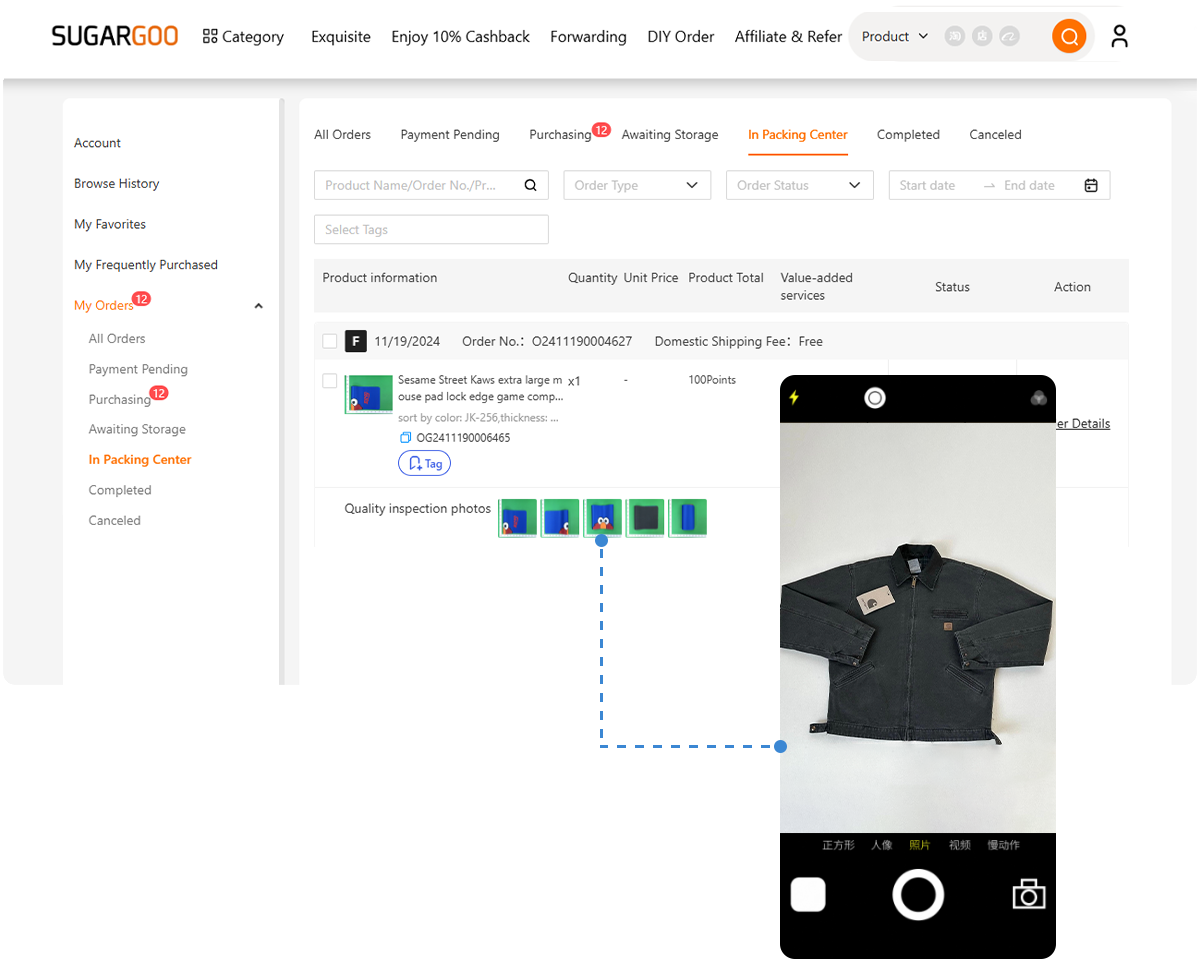
- Item quality inspection
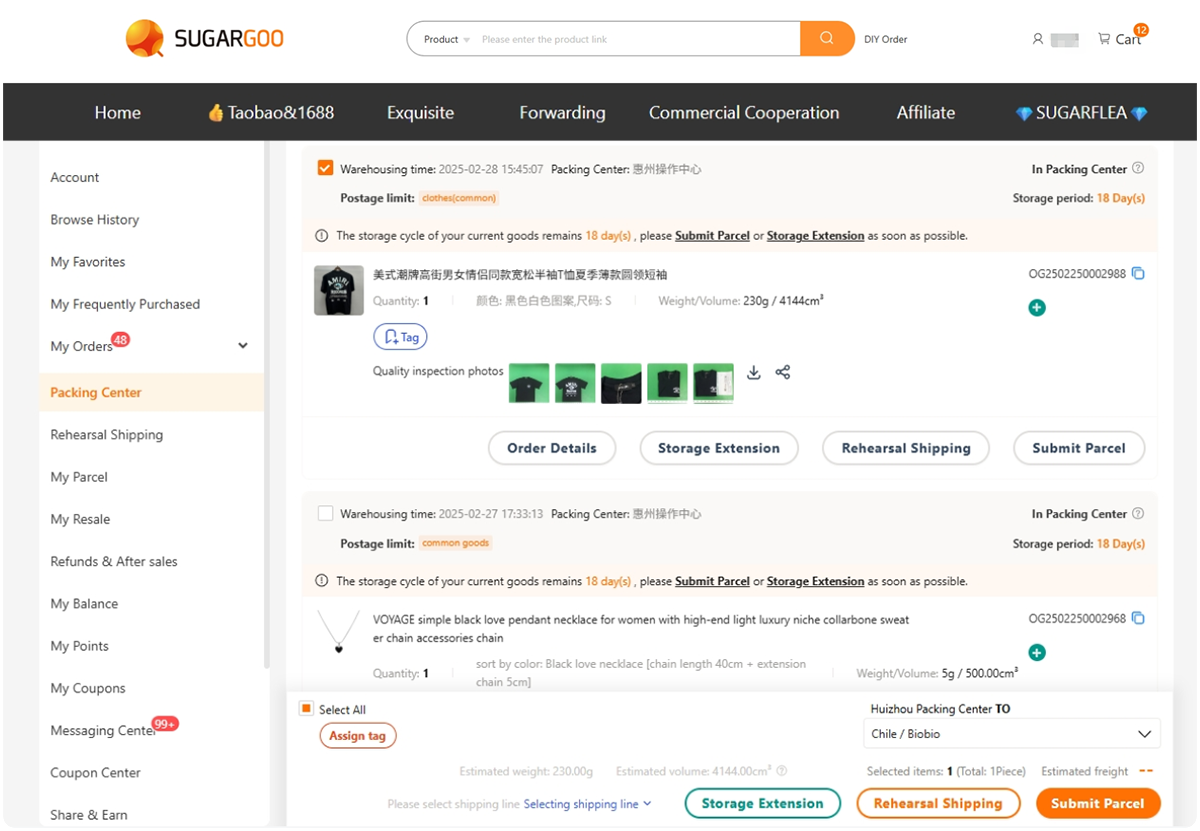
- Warehouse storage
- Secure packing and add-on services
- Optional shipping insurance
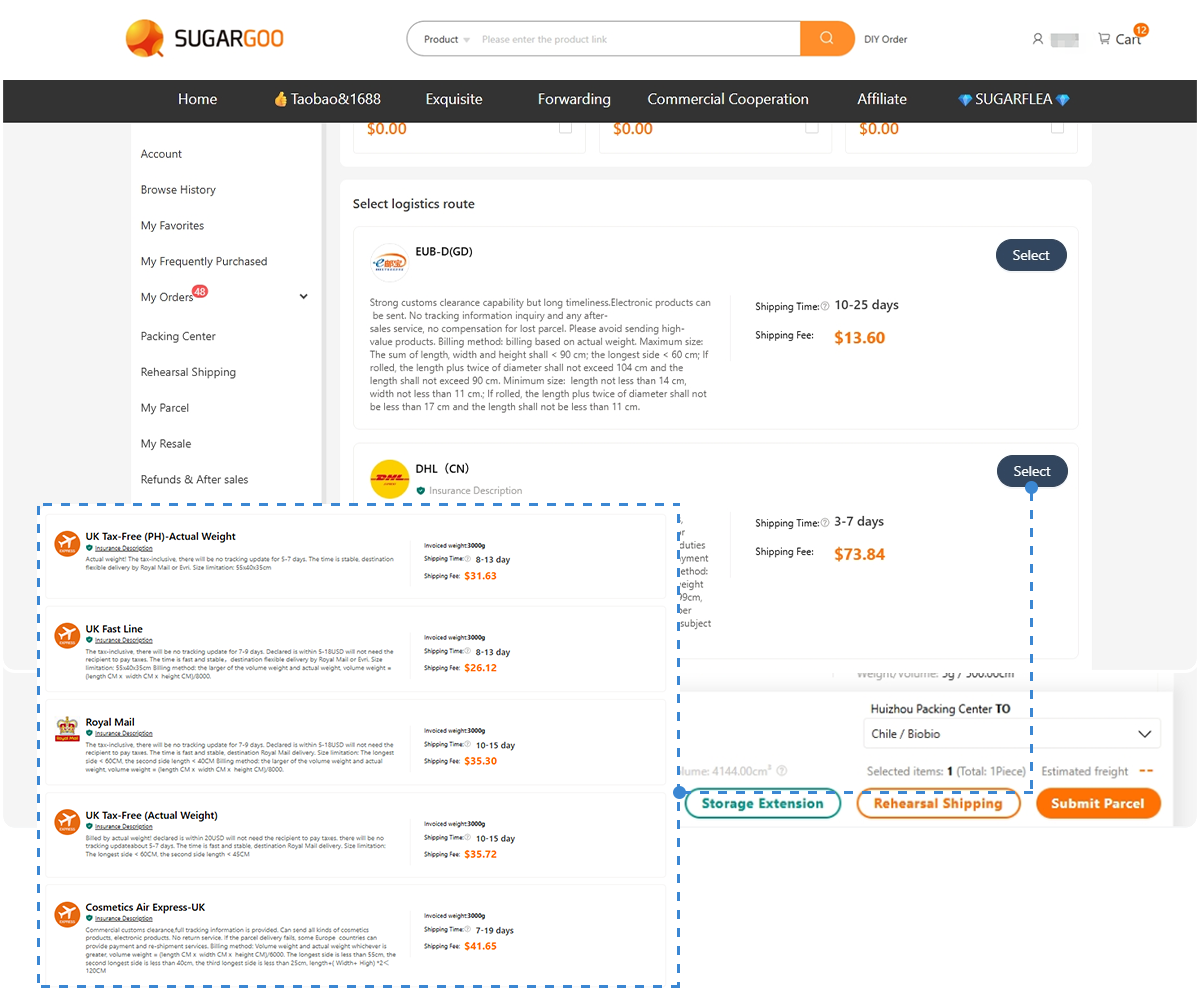
- Multiple affordable international shipping routes
This setup helps reduce language-related mistakes while still giving access to Taobao’s full product selection.
Final Thoughts
Browser translation tools make Taobao accessible, but they’re not perfect. They work best for browsing and discovery, not for eliminating every misunderstanding.
If you’re comfortable double-checking details, translation tools may be enough. If you prefer a smoother, lower-risk experience—especially for complex orders—combining translation with a service like Sugargoo can make Taobao shopping far easier.